
24. Trailer Camera Kits for Drop-and-Hook Fleets: Wiring, Pairing, Power
A drop-and-hook fleet does not buy one camera system. It buys a system that has to work again every time a driver leaves one trailer and picks up another — perhaps six times a day, across a pool of thirty trailers. The kit that survives that routine is decided by three things: how the tractor is wired, where the transmitter sits, and how many trailers the monitor has to recognise.

Key takeaways
- In drop-and-hook the swap routine, not the image quality, decides whether the kit stays in use.
- Range is rarely the limit — a 13.6 m steel body between transmitter and cab is.
- Mount the transmitter outside the body on the rear frame; the cab receiver faces rearward.
- A 15-hour pack covers one shift, so the charge routine is a yard decision, not a camera one.
What drop-and-hook changes about the specification
In a fixed tractor-trailer pair, the camera is installed once and forgotten. In a drop-and-hook operation the same tractor sees a different trailer every few hours, and the driver has minutes at the dock, not half a day.
That changes what the specification has to guarantee. Image quality still matters, but the requirement that decides whether the system gets used is the swap: connect, confirm, reverse. If that takes a menu dive, the camera is switched off by the second week and the fleet has bought a screen saver.
So the three questions to settle before choosing a kit are: where the camera and transmitter are mounted on each trailer, how each trailer is powered, and how the monitor in the cab learns which trailer it is looking at.
Three wiring architectures, and what each costs in driver time
There are three workable ways to put a camera on the back of a trailer. They differ in where the intelligence sits, and therefore in what the driver has to do at every swap.
| Architecture | What is on the trailer | What the driver does at a swap | Best when |
|---|---|---|---|
| Pooled pairing | Camera plus transmitter, powered per trailer | Hooks up, waits for the monitor to pick up the new transmitter | Many trailers, fewer tractors, drivers stay in one cab |
| Self-contained kit | Camera, transmitter, battery and its own monitor | Nothing — the kit travels with the trailer | Temporary trailers, rental equipment, no cab wiring allowed |
| Wired to a recorder | Camera cabled to the tractor through the trailer socket | Nothing, if the socket carries video | A fixed pair, or a fleet that already runs a recorder |
Pooled pairing is the usual choice for a working fleet, because the monitor stays in the tractor and the trailers stay cheap. Self-contained kits, such as the FWR-701B, remove the pairing question entirely by giving each trailer its own screen and battery — at the cost of a second display in the cab and a charging routine.
The wired option is the most reliable and the least flexible. It only works if the coupling carries a video pair, which most fleets do not have spare, and it fails at the first swap where somebody forgets to reconnect.
The trailer body, not the distance, is the radio problem
Kits are sold on range figures — 120 m for a short-range set, 500 m for the long-range FWR transmitter and receiver package. For drop-and-hook, range is almost never the limiting factor: the camera is at the back of a 13.6 m trailer and the monitor is at the front of the cab.
The limiting factor is what sits between them. A trailer is a steel box, and a transmitter mounted inside the body at the rear sends its signal through the load and the walls. The same transmitter on the rear frame, outside the body and above the lights, has a clear path around the trailer to the cab.
That single mounting decision explains most of the “it works on one trailer and not another” reports. A flatbed and a curtain-sider behave differently with the same kit, because one has no box to go around.
Aim the receiver at the back of the cab, not at the front. The signal arrives from behind, and a receiver buried behind the driver’s seat is fighting the cab structure for no reason. The general trade-offs between wireless and wired are set out in wireless trailer camera systems.
Power: one decision per trailer, not per swap
A trailer has no ignition circuit of its own. Whatever powers the camera has to survive being parked for days and then towed for a shift, and the choice is made once per trailer rather than at each hook-up.
- Tractor feed through the coupling. Works while coupled, and dies the moment the trailer is dropped — which is exactly when a yard camera would be useful.
- Trailer marker-light circuit. Only live when the lights are on; the camera goes dark whenever the driver turns them off.
- Dedicated battery pack. About 15 hours from 9600 mAh in the packs we supply, removable and swappable at the dock. It is the only option that keeps working when the trailer is parked.
- Solar or dock charging. Worth it where trailers sit in the open; a charge point at the dock removes the swap-the-pack step entirely.
The number that decides the design is not the battery life — it is the charge routine. A 15-hour pack covers one shift. A fleet running two shifts needs either a second pack per trailer or a charging point where the trailer is parked, and that is a yard decision rather than a camera decision.
Pairing across a pool: the number that decides the design
Ask one question before choosing between manual and automatic pairing: how many trailers can this tractor be coupled to in a month?
With two trailers and one tractor, manual pairing is fine — the driver selects trailer A or B once per shift. With thirty trailers, manual pairing means a list of thirty entries, and the driver has to find the right one while the dock is waiting.
Automatic pairing changes the failure mode rather than removing it. The monitor locks onto whichever transmitter is powered and closest, which is what you want at a swap — and is also what happens when a second trailer is switched on twenty metres away in the yard. Test that case specifically: two trailers powered up next to each other, one tractor between them.
Where the fleet records, the receiver should also feed a recorder rather than only a screen. The FWR-701 7-inch system records the channel it displays, so a reversing incident leaves a file instead of a description.
The kit, item by item
| Item | What to specify | Why it matters at a swap |
|---|---|---|
| Camera | AHD 1080P, 2.8–3.6 mm lens, IP69K, IR for night shunting | The rear of a trailer is the dirtiest position on the vehicle |
| Transmitter | Mounted outside the body, on the rear frame, above the lights | A steel box between transmitter and cab is the usual failure |
| Receiver | Behind the cab, aimed rearward, with a visible status LED | The driver needs to confirm the link before moving |
| Monitor | 7-inch or larger, 500 cd/m² or better, 9–35 V input | Cab glare and a 24 V supply are the normal conditions |
| Power | Battery pack with a defined charge routine, or a dock charge point | The camera must survive being parked |
| Pairing | Automatic with a manual override, or a numbered list | Thirty trailers is a different product from two |
| Mounting | Bolted bracket on the rear frame, not a magnet | A trailer frame vibrates and is washed far more than a cab |
| Recording | Optional: receiver feeding a recorder channel | Turns an incident into evidence |
The mounting hardware deserves its own line. A magnetic mount that works on a forklift guard is the wrong choice on a trailer frame: the frame is narrower, dirtier and washed at speed, and the camera hangs over the rear lights where a brush will reach it.
The 30-second swap check
- Power. Confirm the camera LED is on before the driver climbs back into the cab — a dead battery found at the dock is a five-minute fix, and found on the road it is a blind reverse.
- Link. Confirm the monitor shows this trailer, not the last one, and that the status LED is steady rather than flashing.
- Picture. Look at a fixed object — the dock edge or a cone — and confirm the image is the new trailer’s view, not a frozen frame from the old one.
- Two-trailer test, once per site. Park two powered trailers twenty metres apart and confirm the tractor picks the coupled one.
- Cable and mount. Check the transmitter is still on its bracket and the cable has not been pinched by the coupling.
- Charge state. At the end of the shift, record the pack voltage or swap the pack, so the routine is based on a measurement rather than a guess.
Frequently asked questions
How does the monitor know which trailer is hooked up?
Either the driver selects it from a list, or the monitor pairs automatically with the transmitter that is powered and closest. Automatic pairing is the practical choice beyond a handful of trailers, but it needs testing with two powered trailers near each other, because that is the case where the monitor can lock onto the wrong one.
Can I power the trailer camera from the trailer socket?
Only if the coupling carries a suitable auxiliary supply and the trailer is coupled. Most fleets do not have a spare pin, and the camera dies as soon as the trailer is dropped — which is when a yard view is most useful. A dedicated battery pack or a dock charging point keeps the camera alive while the trailer is parked.
How long does a trailer camera battery last?
About 15 hours from the 9600 mAh packs we supply, which covers one shift. Plan the charge routine per trailer rather than per tractor: either a second pack swapped at the dock, or a charging point where the trailer is parked. A pack that is expected to cover two shifts will fail on the second one.
Do I need a camera on every trailer?
Not necessarily. Some fleets fit cameras only to trailers that reverse into tight docks, and leave the rest bare. That works if the driver can tell at a glance which trailers are equipped — otherwise the swap check becomes a search, and the routine collapses. Either every trailer in the pool has one, or the equipped ones are marked clearly.
Related articles
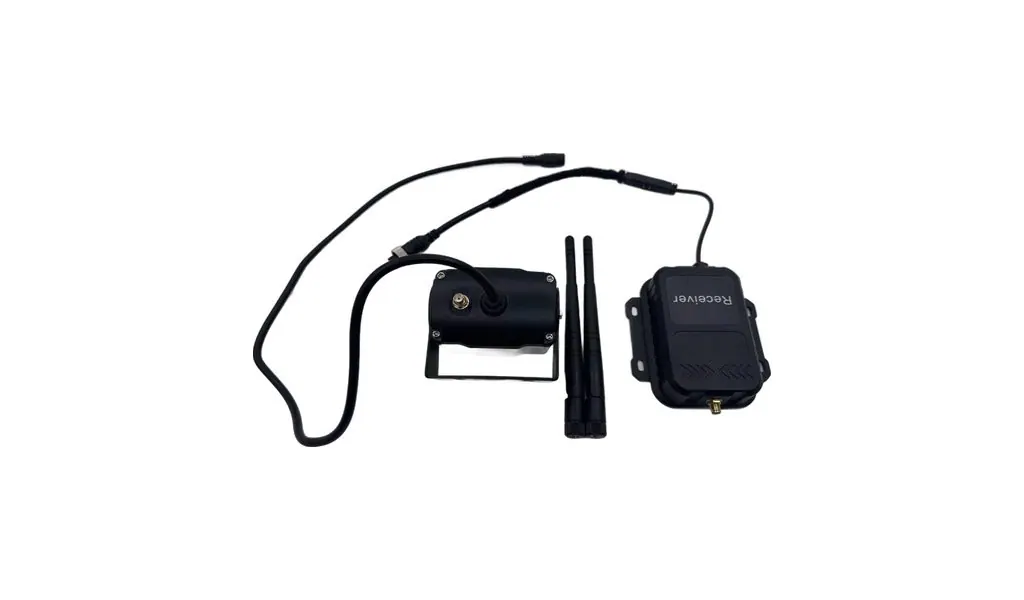
18 Wireless Trailer Camera Systems: Range, Reliability and Regulations
How wireless trailer camera systems work: what range figures mean, pairing for drop-and-hook fleets, power options for unwired trailers, and radio approval.
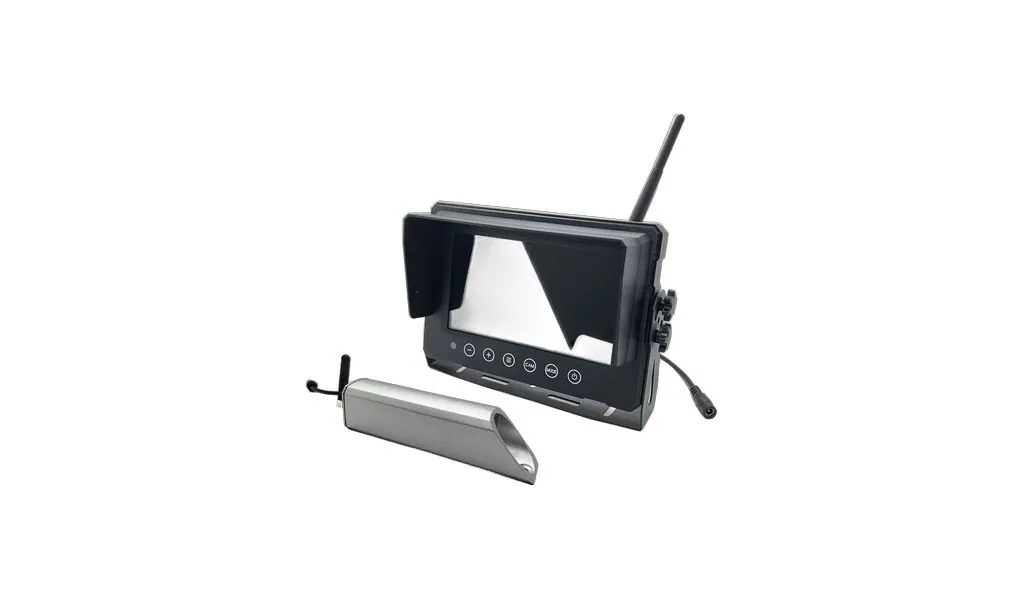
23 Wireless Forklift Cameras: Why Magnetic Mounts Fail First
Why forklift camera magnets let go: pull-off ratings against shear and vibration, painted steel and lever arm, plus the mount that actually stays on.
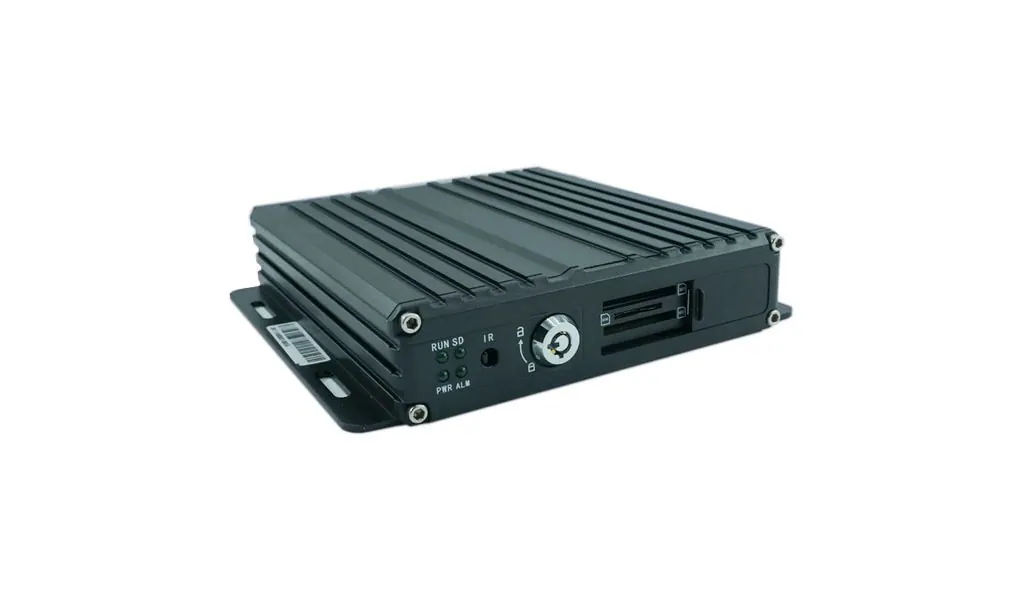
12 MDVR Buying Guide: How to Specify a Mobile DVR
How to choose a mobile DVR: channel count, SD versus hard drive, H.264 versus H.265, GPS and 4G, temperature ratings, UPS power and how much footage to keep.
Looking for a reliable camera system supplier?
Tell us your vehicle type and application — we will recommend the right system and quote within 24 hours. Distributors and OEM/ODM projects welcome.