
Near-Side Blind Spot Coverage for Rigid Trucks
A driver sitting 2.5 metres above the road cannot see the nearside area between the front wheel and the rear axle. This note sets out how to cover it properly with three or four cameras, and when to add an AI warning layer.
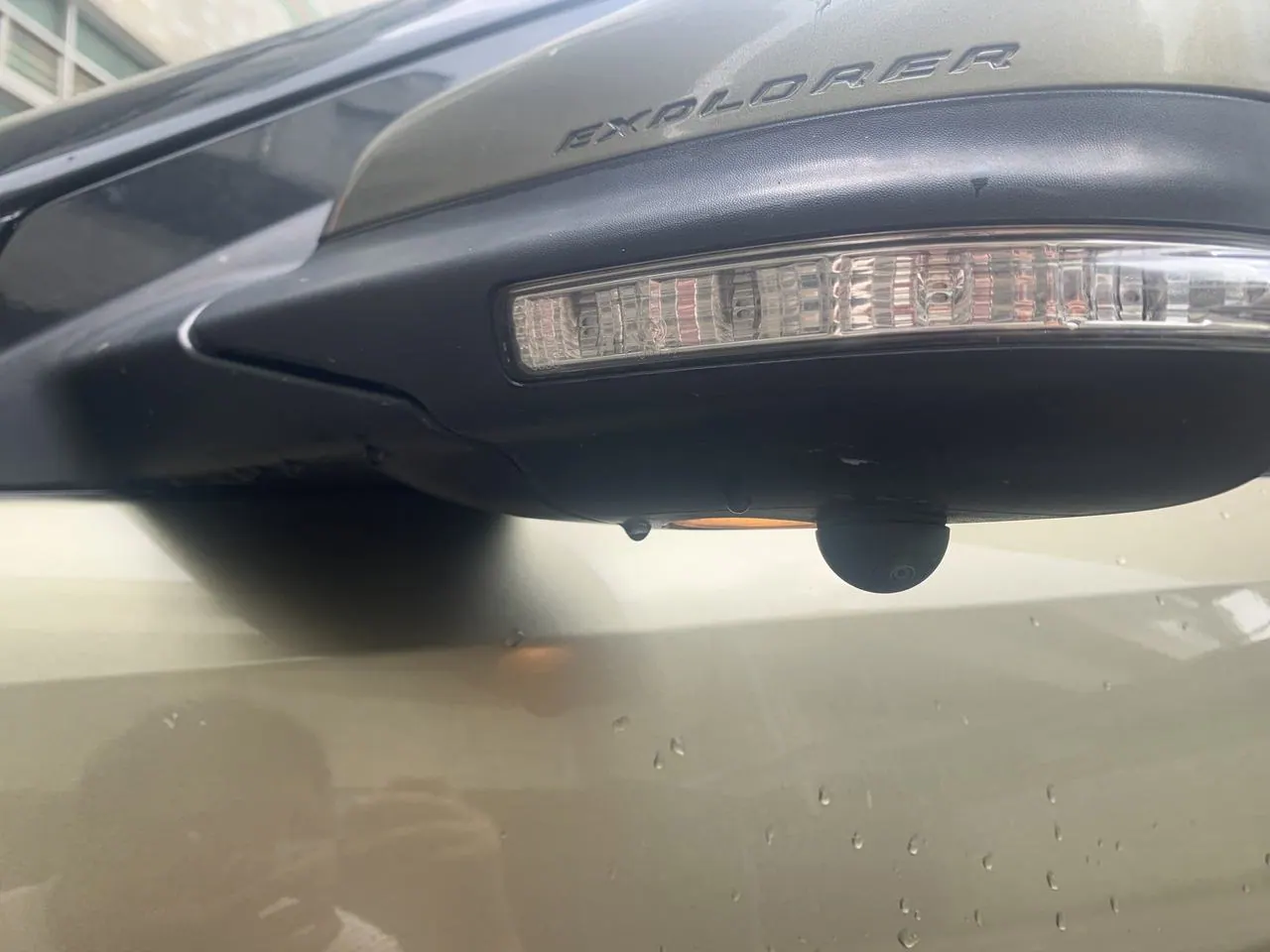
Why the nearside blind spot exists
In a right-hand-drive truck the driver sits on the opposite side to the kerb; in a left-hand-drive truck the geometry simply mirrors. Either way, the cab structure, the mirror arms and the height of the seat create a wedge of road that no combination of mirrors can show: roughly from the front wheel arch back to the rear axle, out to about two metres from the body.
That wedge is where the majority of urban cyclist and pedestrian collisions with trucks begin. It is also where the vehicle articulates — on a turning truck the rear of the body swings across the very area the driver just checked and found clear.
The three failure modes
- The driver looked and saw nothing. The area genuinely was not visible from the seat. A camera fixes this.
- The driver did not look. Particularly at the end of a long shift, or when concentrating on a tight turn. Only a warning system fixes this.
- The driver looked at the wrong moment. The cyclist arrived after the check. Only a warning system fixes this either.
The recommended configuration
For a rigid truck in urban duty, the configuration below covers the full nearside and the front corner. It is deliberately built from one camera platform so the harness, monitor and recorder are shared.
Front corner
A 150° side camera at the top of the front wheel arch, aimed back and down.
Mid-body
A second 150° camera on the underside of the body rail, aimed forward and down.
Rear corner
A third camera at the rear mudguard, aimed forward — this catches the cyclist alongside the rear axle.
Warning layer
An AI camera or 360 BSD on the nearside, armed below 20 km/h.
Why these angles
The mistake installers make most often is aiming side cameras outward at the horizon. That produces a handsome image of the pavement and the sky, and shows none of the road surface beside the vehicle. A side camera should be aimed down at 30–45° so that the lower third of the frame is the road immediately beside the tyre. That is the area that matters.
Display and switching
Three side channels plus a reversing view needs a quad monitor such as the JPM-706Q or the 10-inch JPM-1006Q, with automatic switching to the nearside view when the indicator is used. Automatic switching matters: a driver who has to select a channel manually will not do it consistently.
Installation notes that decide the outcome
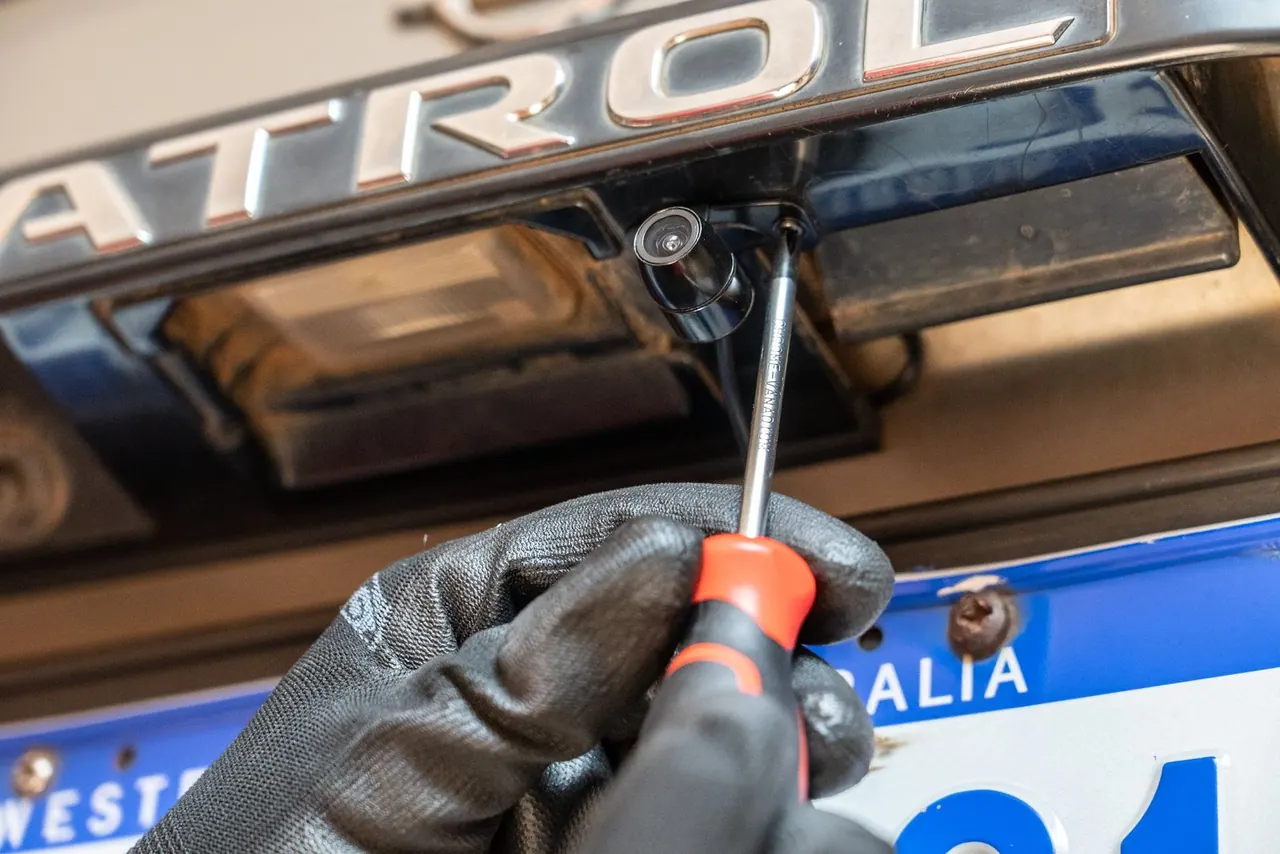
- Mount rigidly. A camera on a flexible bracket vibrates and produces an unusable image. Use metal brackets bolted to the body, with a compliant washer where the body flexes.
- Aim at the road, not the view. Set each camera so the lower third of the frame is road surface within two metres of the body.
- Protect the connector. Leave a drip loop, and fit the connector where it cannot fill with water. This is where most side cameras fail in service.
- Trigger on the indicator. Wire the display to switch to the relevant side when the indicator is used. This is the single most valuable automation in the system.
- Set the AI zone with the driver present. Commission the detection zone on a real street with a real driver. A zone set at a desk will be wrong.
What to measure after deployment
- Near-miss reports and brake-to-avoid events involving the nearside, tracked monthly. This is the leading indicator that moves first.
- Alarm frequency per vehicle per day. A rising rate means either the area is genuinely dangerous or the detection zone is too large and needs retuning.
- Driver disable rate. If drivers are switching the warning off, the zone or the volume is wrong. Treat deliberate disabling as a defect.
- Camera uptime. Check at every service. A failed side camera is invisible to the driver until it is needed.
- Insurance and claim experience over a rolling 12-month window, compared with the fleet baseline.
Installations and production for this kind of vehicle
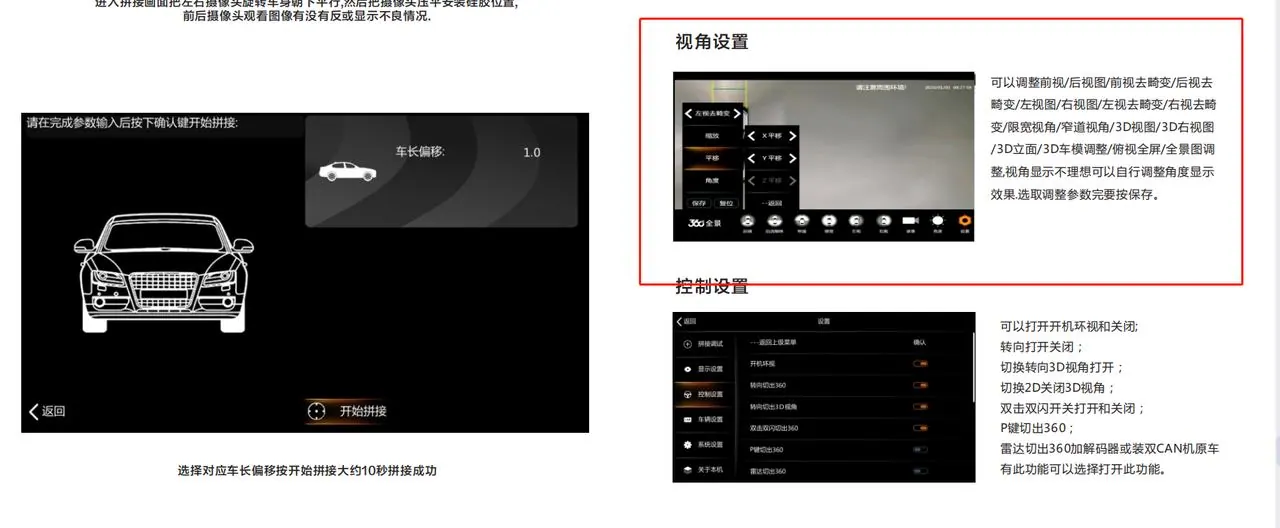
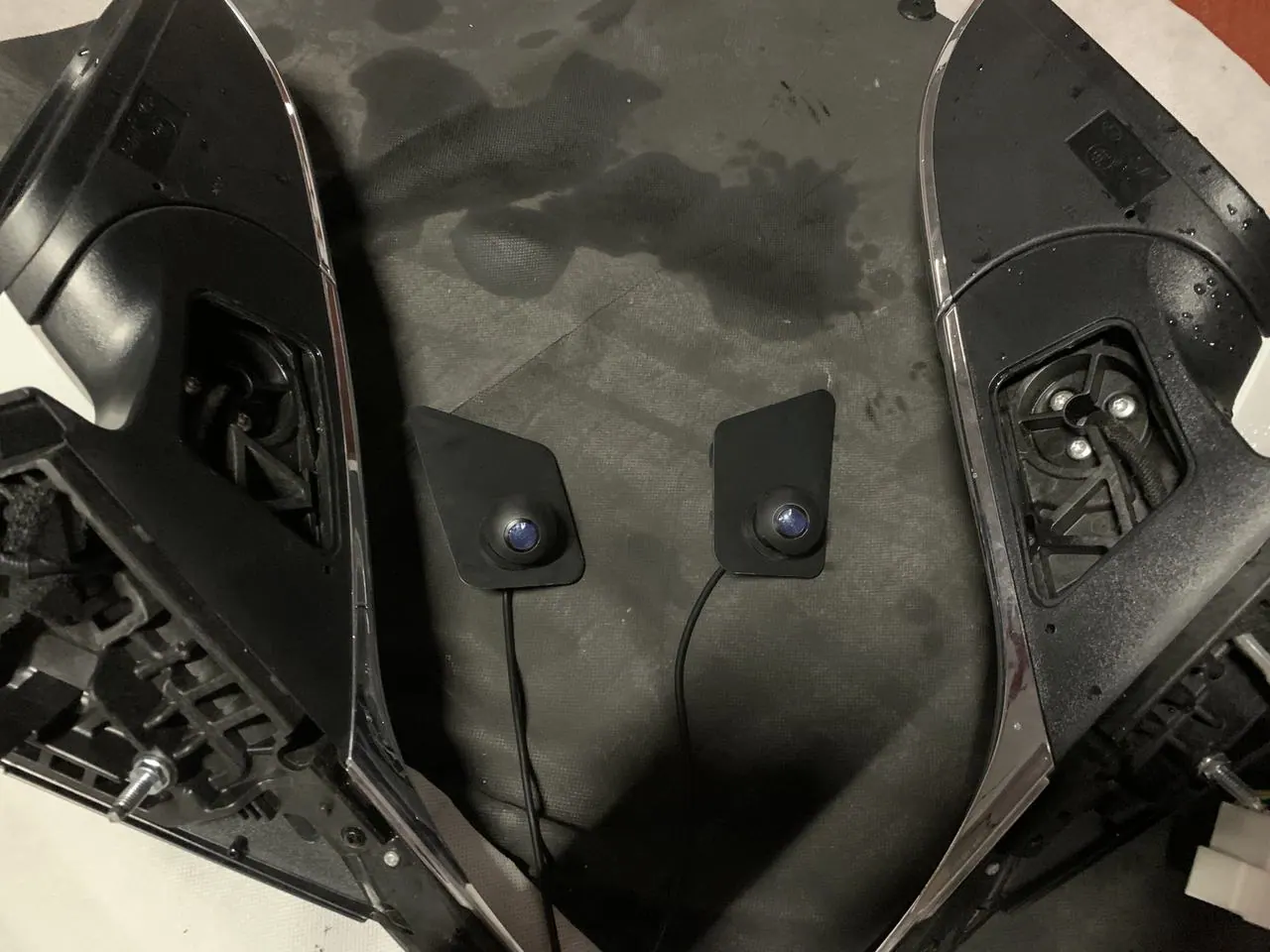
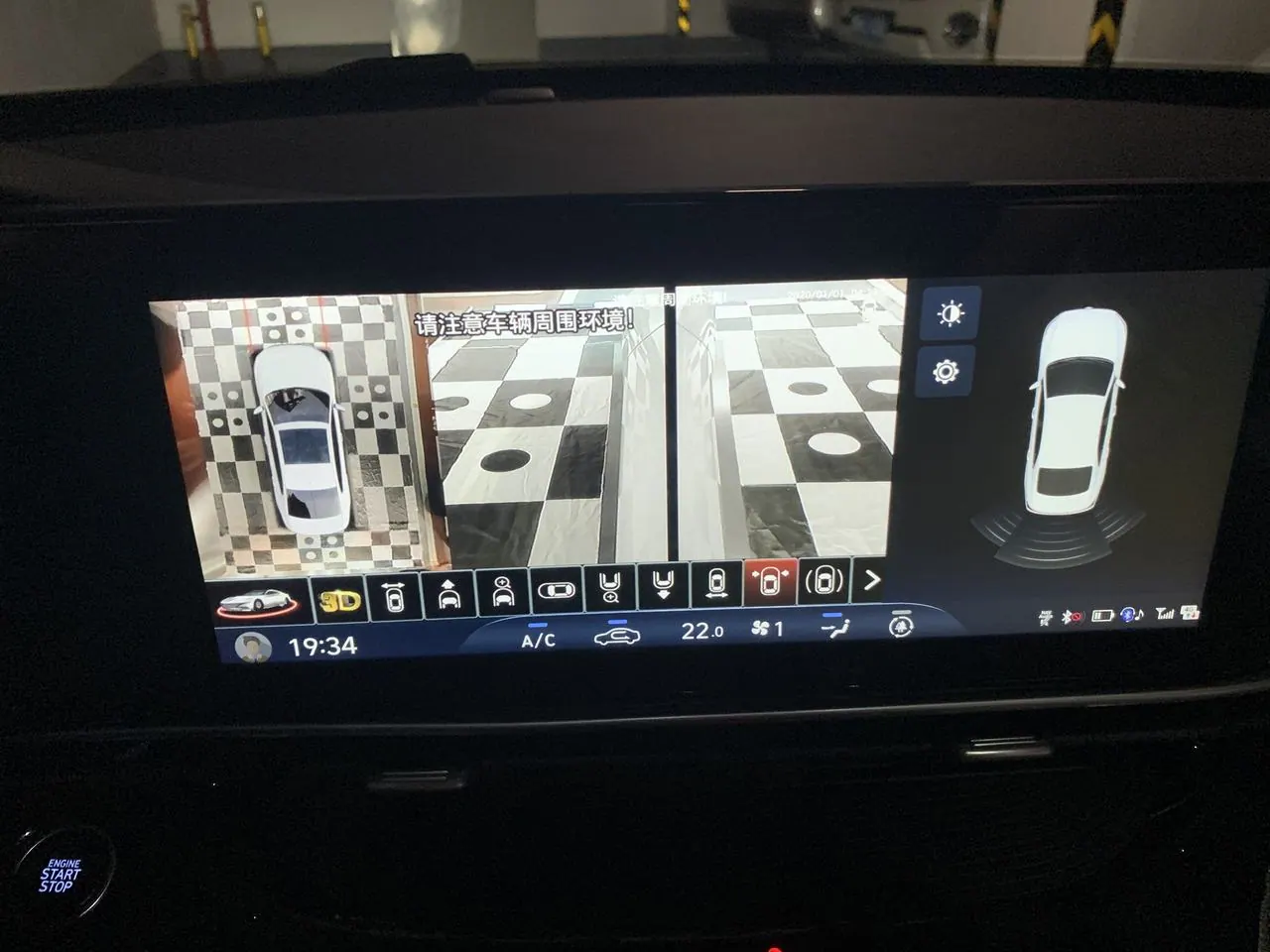
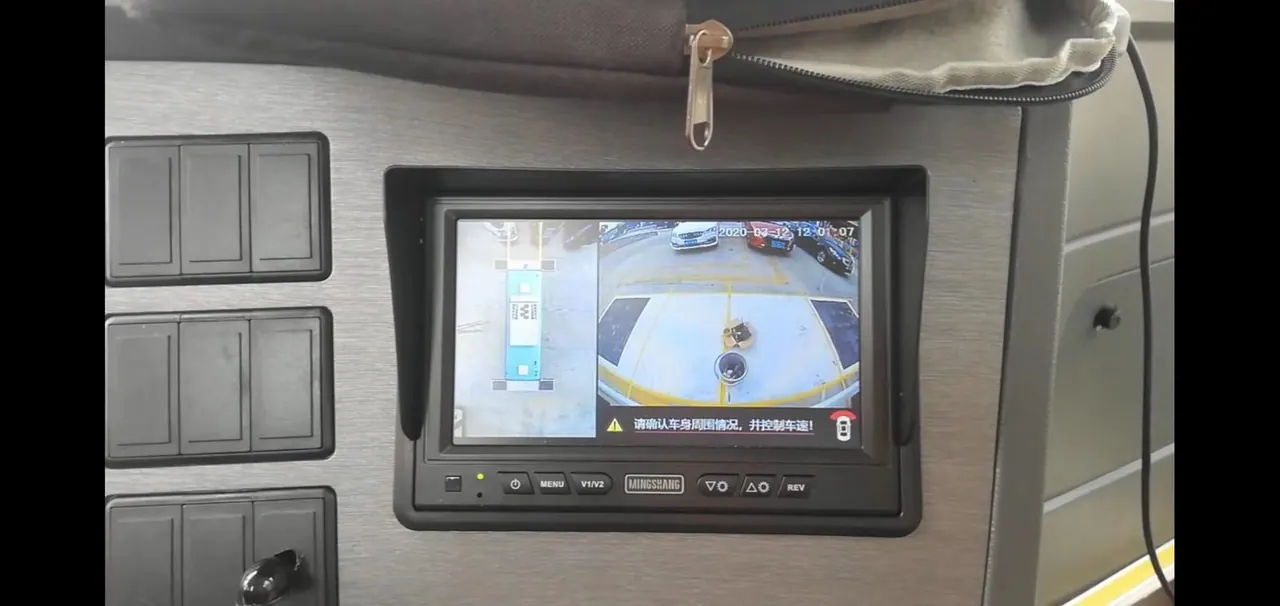
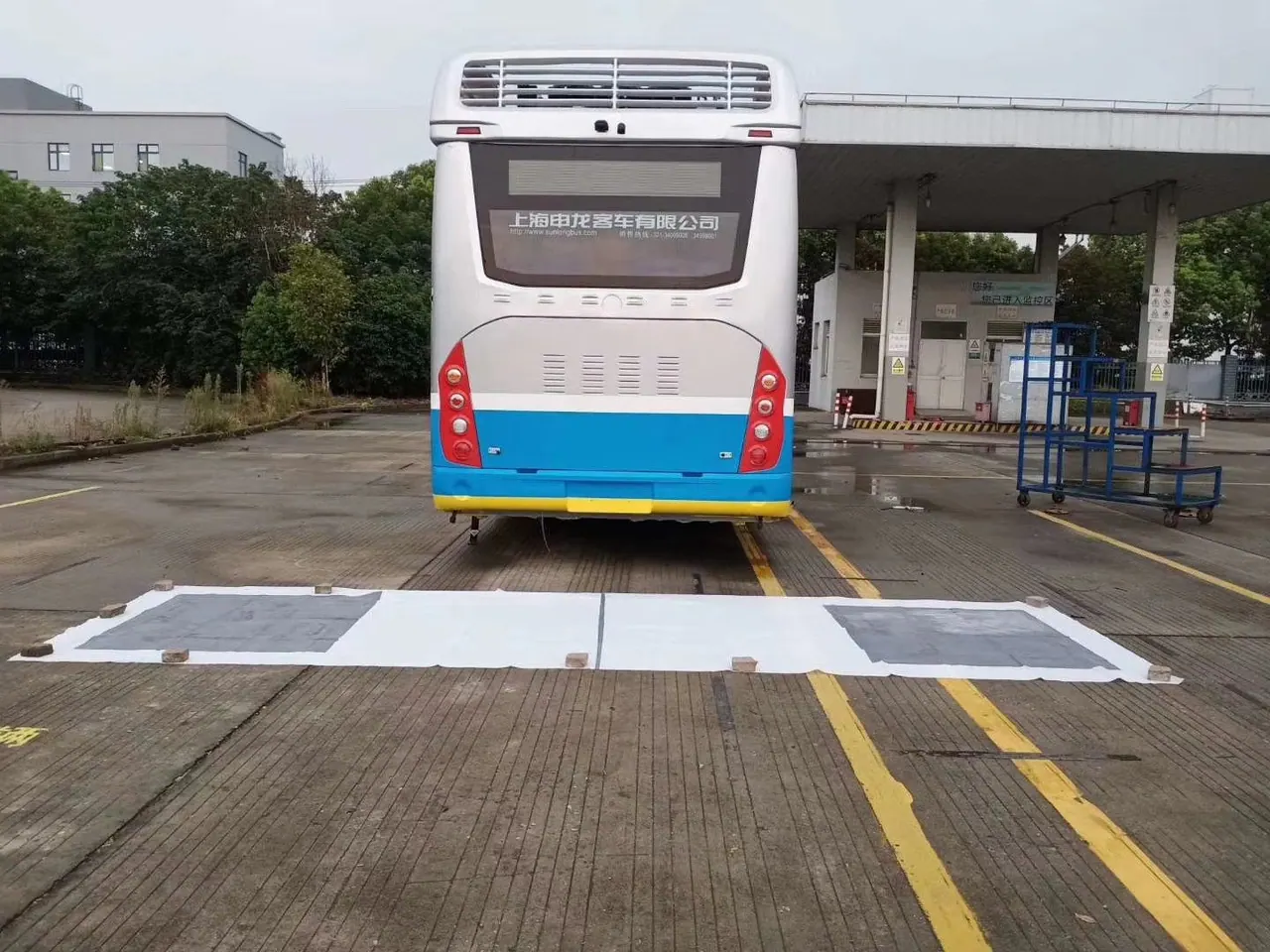
Photographs from installations and production runs on comparable vehicles — position, brackets and cable routing are the parts a specification sheet cannot show.
Ranges that appear in this configuration
Truck & Vehicle Cameras
Side, front, rear and interior cameras for trucks, buses, forklifts and specialist vehicles.
Vehicle Monitors
5 to 12.3 inch AHD monitors, single, split and quad view, mirror and waterproof types.
MDVR & Dashcams
Mobile DVRs and dashcams with GPS, 4G, WiFi and cloud alarm storage.
Related application notes
Multi-Camera and Driver Monitoring for City Bus Fleets
A bus camera system has two jobs that pull in opposite directions: it must produce credible evidence after an incident, and it must be discreet enough that passengers do not object. Getting both right is a question of placement and housing choice.
Camera Systems for Refuse and Municipal Vehicles
A refuse truck reverses down residential streets with two or three crew members walking around it. No other municipal vehicle has that risk profile, and no other vehicle needs cameras quite so specifically placed.
Vision Systems for Mining, Quarry and Construction Plant
On a quarry haul road the visibility problem is not darkness — it is dust, vibration and scale. The specification that works on a highway truck will not survive a season on plant.
Looking for a reliable camera system supplier?
Tell us your vehicle type and application — we will recommend the right system and quote within 24 hours. Distributors and OEM/ODM projects welcome.