
21. Bus Camera Systems: Interior, Door and Driver Monitoring in One Spec
A bus camera system is usually bought as a number — eight cameras and a recorder — and then designed backwards. The failures that follow are predictable: a door camera that cannot see the step edge, an aisle with a gap between two domes, and a driver camera that shows the whole cab but not the face. All three are decided by geometry, and geometry can be written into the specification.

Key takeaways
- The channel count comes from four zones — door, aisle, driver, exterior — not from a catalogue number.
- A door camera 1.4 m above the step at 25° down sees ground from 0.98 m; the same camera at 15° starts at 1.4 m.
- One 110° dome per 3–4 m of aisle with 20% overlap; a face at 1.5 m is about 72 px, enough to see a seat is taken.
- Driver monitoring needs about 380 px on the face, which is a separate camera 0.6–0.8 m away — not a wider dome.
Four zones decide the channel count
A 12 m city bus carries four zones that fail in different ways. Start from the zones, not from a camera count, and the channel count falls out of the vehicle rather than out of a catalogue page.
- Door and step well — the only place where a passenger can be caught by a closing door, dragged, or left on the platform.
- Aisle and interior — who is on board, where they are sitting, and what happened between two stops.
- Driver — fatigue, distraction and phone use. This needs a different camera and a different lens from the aisle.
- Front and rear exterior — the kerb approach, the rear overhang, and the reversing move in a depot.
On a 12 m bus with two doors that is six cameras: two door, three interior, one front. Add a rear camera where the depot has tight reversing, and a driver camera where the fleet monitors fatigue. Eight recorder channels then leave one spare.
The order matters because a camera count is a budget line, while a zone is a requirement. A fleet that specifies eight cameras and no zone map ends up with two cameras pointing at the same seat row and nothing watching the rear door.
The door camera: the geometry that decides everything
The door camera is the one most often specified wrong, because it is chosen by resolution and mounted by eye. What matters is the ground it can see at the step — and that is arithmetic, not opinion.
A camera 1.4 m above the step, tilted 25° down behind a lens with a 60° vertical field of view, sees ground from 1.4 ÷ tan(55°) ≈ 0.98 m in front of the lens. If the lens sits directly above the step edge, the whole step is covered.
Move the same camera 1.5 m back along the ceiling and the outer half-metre of the step — the part a foot actually lands on — leaves the frame. Nothing about the camera changed. Only the mounting did.
| Mount | Height | Tilt | Lens | Nearest visible ground |
|---|---|---|---|---|
| Ceiling above the step | 1.9 m | 40° | 2.8 mm | 0.69 m |
| Door header panel | 1.4 m | 25° | 2.8 mm | 0.98 m |
| Door header, shallow tilt | 1.4 m | 15° | 2.8 mm | 1.40 m |
| Opposite the door | 2.2 m | 30° | 3.6 mm | 1.69 m |
Assumptions behind the table: a 2.8 mm lens is treated as roughly 60° vertical and a 3.6 mm lens as roughly 45°. Recalculate with your own lens figures before you cut a hole — the point is that a 15° tilt instead of 25° moves the near edge by 0.4 m on a camera that has not moved.
Two checks settle the aim. The door edge has to be in frame, so a coat, a strap or a buggy caught in the closing door is visible while it happens. And the platform outside has to be visible while the door is open, because that is where a passenger steps back to.
A dome aimed down at the step will not also cover the aisle, however wide the lens is. That conflict is the reason a door camera and an interior camera are separate channels.
Interior coverage: one dome per 3–4 m, with overlap
Interior cameras are usually mounted too high and aimed across the bus instead of along it. Aiming across gives a wide view of one seat row and nothing of the row in front. Aiming along the aisle gives depth, which is what a review needs.
Our working rule for a low-floor city bus is one dome per 3–4 m of aisle, mounted at 2.2–2.4 m, with about 20% overlap between neighbouring fields of view. Three domes cover a 12 m aisle; a rear door or a raised floor adds a fourth.
The 20% overlap is not decoration. It is what stops a passenger standing exactly between two cameras from being half in each frame and clearly in neither. Stand a person at the midpoint between two mounts during commissioning and check that both channels show them.
Resolution is settled the same way as the door. At 1.5 m, a 110° lens puts a 0.16 m wide face at about 72 px in a 1920 px frame. That is enough to see that a seat is occupied and roughly who is in it; it is not enough to read an expression, and it is not what a driver-monitoring system needs.
Where the bus has interior lighting that stays on, an IR dome is still the right choice: the IR takes over when the lights fail or when the driver dims them for a night run. A dome with no IR is only adequate on a vehicle that never runs dark.
The driver is a separate camera, not a wider interior dome
Driver monitoring is the part of a bus system that most often arrives as an afterthought, and it fails for a simple reason: a face has to be large in the frame, and an aisle dome is deliberately far away.
At 0.7 m from the face, a 60° lens spreads the frame over 0.81 m, which puts a 0.16 m face at roughly 380 px in a 1920 px frame. The same face seen by an aisle dome at 1.5 m is 72 px. Eye closure and glance direction live in the difference between those two numbers.
| Camera | Distance to face | Horizontal field | Frame width | Face width |
|---|---|---|---|---|
| Interior dome | 1.5 m | 110° | 4.3 m | about 72 px |
| Driver camera | 0.7 m | 60° | 0.81 m | about 380 px |
Mount the driver camera on the A-pillar or the dash, on the same side as the driver, with the lens axis within about 30° of the face. Behind the driver, or above and behind the seat, the camera sees the top of a cap and the back of a head — the two views that produce the most false alarms.
It also needs its own illumination. A driver cab at night is lit from the front, which leaves the face in shadow; a driver camera with infrared illumination at 850 or 940 nm keeps the face readable with the headlights off. Ask which wavelength and how many LEDs, not whether the camera has "night vision". See how to read lux and IR specifications.
Keep the driver channel separate from the interior channels. Mixing them means the recorder stores the same wide shot twice and the tight shot at the wrong frame rate, and it makes the event log ambiguous when the fleet reviews a fatigue event.
What the recorder has to do with six to eight channels
Once the cameras are fixed, the recorder is specified by four numbers: channels, retention, input range and event inputs. The first two decide cost, and the last two decide whether the system survives a bus.
Retention is arithmetic. At 2 Mbit/s per channel in H.265, one 1080P camera writes about 0.9 GB an hour. Eight channels write 7.2 GB an hour; a bus running 16 hours a day writes about 115 GB a day, and a seven-day retention target needs roughly 0.8 TB. A 1 TB drive covers it with headroom, and two 512 GB cards do the same job with a mirror.
Input range matters more on a 24 V bus than on a truck. Cranking pulls the supply down, and a large load switching off pushes it up; a recorder specified for 8–36 V with reverse-polarity and transient protection is built for that, while a 12–24 V unit that assumes a clean supply is not. The same arithmetic for channels and storage is set out in the MDVR buying guide.
Event inputs are the part fleets forget. Wiring the door-open signal into the recorder marks every stop as an event, which turns a 16-hour file into a list of arrivals. A panic button and a G-sensor input do the same for incidents. Without them, reviewing a complaint means scrubbing through a shift.
Exterior cameras on a bus live harder than interior ones: wash-down, road spray and a wash brush that reaches the front face. Specify IP69K for the front and rear cameras and check the connector, not just the housing — the IP rating tests are run on the enclosure, and a loose bayonet is where water actually enters.
The one-page specification
| Zone | Camera | Mount | What it must prove |
|---|---|---|---|
| Front door step | AHD 1080P dome, 2.8 mm, IR | 1.4 m above the step, 25° down, door edge in frame | The outer edge of the step and the platform are visible with the door open |
| Rear door step | AHD 1080P dome, 2.8 mm, IR | Same geometry as the front door | No gap between the door frame and the step |
| Aisle ×3 | AHD 1080P dome, 2.8–3.6 mm, IR | 2.2–2.4 m, aimed along the aisle, 20% overlap | A face at the last row is at least 60 px tall |
| Driver | DMS camera, 60° lens, 850/940 nm IR | A-pillar or dash, 0.6–0.8 m from the face | A face is at least 200 px wide with the cab unlit |
| Front exterior | AHD 1080P, 3.6 mm, IP69K | Above the windscreen, aimed at the kerb | The kerb line is visible 3 m ahead of the bumper |
| Rear exterior | AHD 1080P, 2.8 mm, IP69K | Rear header, protected from the wash brush | Ground within 1 m of the rear bumper is visible |
The interior cameras in this table are the JPC-107 dome: aluminium housing, sealed cable outlet, built-in IR and a 14 mm lens module, available in AHD 1080P, 720P or CVBS. Where the bus has a metal ceiling panel and the camera has to sit flush, the JPC-115B is the same job in a different housing.
Record the channel map on the drawing, not in someone’s memory. A recorder with eight BNC tails and no labels costs an hour every time a camera is swapped, and it is the most common reason a review pulls the wrong clip.
Before the bus goes back into service
- Mark the step edge with tape and confirm it is visible in the recorded frame with the door open — at the outer edge, not just the middle.
- Stand at the last seat row and measure the head height in the recorded frame. Below 60 px, move the dome or fit a longer lens.
- Sit in the driver’s seat and look down at a phone. The face must be centred and at least 200 px wide with the cab lights off.
- Stand between two interior domes and confirm both channels show the person. If only one does, the overlap is not there.
- Simulate cranking by pulling the supply while recording, and confirm the recorder restarts and keeps recording.
- Open and close every door and confirm each one marks an event with the correct channel and timestamp.
- Wash the front of the bus and re-check the exterior image for water on the lens or fog inside the housing.
- Review one full shift of footage before signing off, and confirm the retention target in the recorder matches the storage you paid for.
Frequently asked questions
How many cameras does a bus need?
A 12 m city bus with two doors needs six: two door cameras, three interior cameras along the aisle, and one front camera. Add a rear camera where reversing in the depot is tight, and a separate driver camera where fatigue monitoring is part of the requirement. Eight recorder channels leave one spare for a later addition.
Can one camera cover both the door and the aisle?
Not usefully. The door camera has to look down at the step from about 1.4 m to see the ground a foot lands on, while the aisle camera has to look along the bus from 2.2–2.4 m. Aiming one camera at both leaves the step edge or the far seats outside the frame, and it is the most common reason a door incident has no usable footage.
Why not use an interior dome as the driver camera?
Because the face has to be large. An aisle dome at 1.5 m behind a 110° lens puts a face at about 72 px, which shows that someone is in the seat but not whether their eyes are closing. A dedicated camera 0.7 m away behind a 60° lens puts the same face at about 380 px, which is the range eye and glance measurement needs.
How much storage does an eight-camera bus need for a week?
At 2 Mbit/s per channel in H.265, each camera writes about 0.9 GB an hour. Eight channels write 7.2 GB an hour, and a bus running 16 hours a day writes roughly 115 GB a day — about 0.8 TB for seven days. A 1 TB drive covers it; check the recorder actually sustains that bitrate rather than quoting it on the box.
Related articles
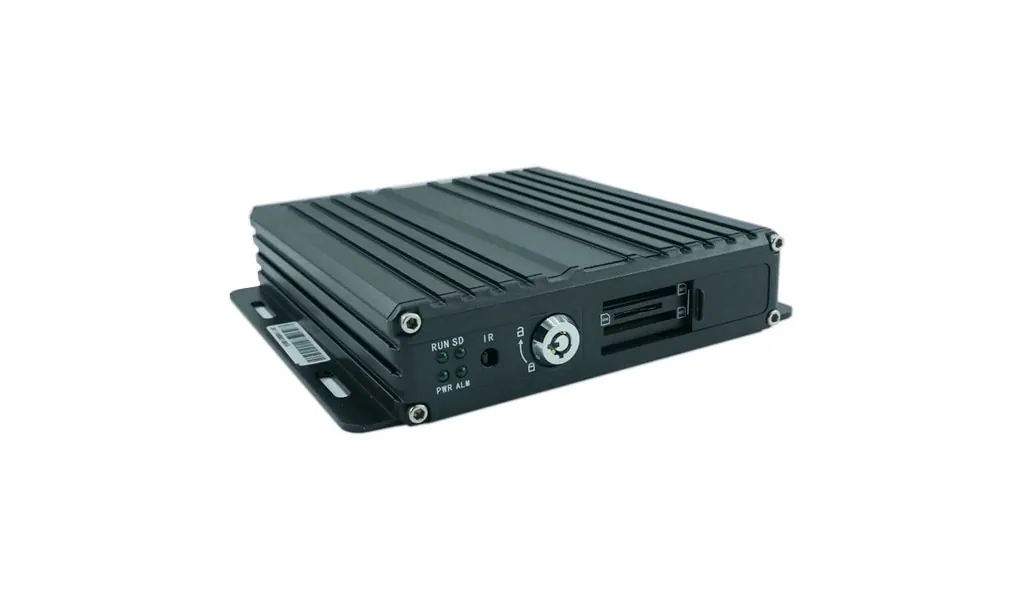
12 MDVR Buying Guide: How to Specify a Mobile DVR
How to choose a mobile DVR: channel count, SD versus hard drive, H.264 versus H.265, GPS and 4G, temperature ratings, UPS power and how much footage to keep.
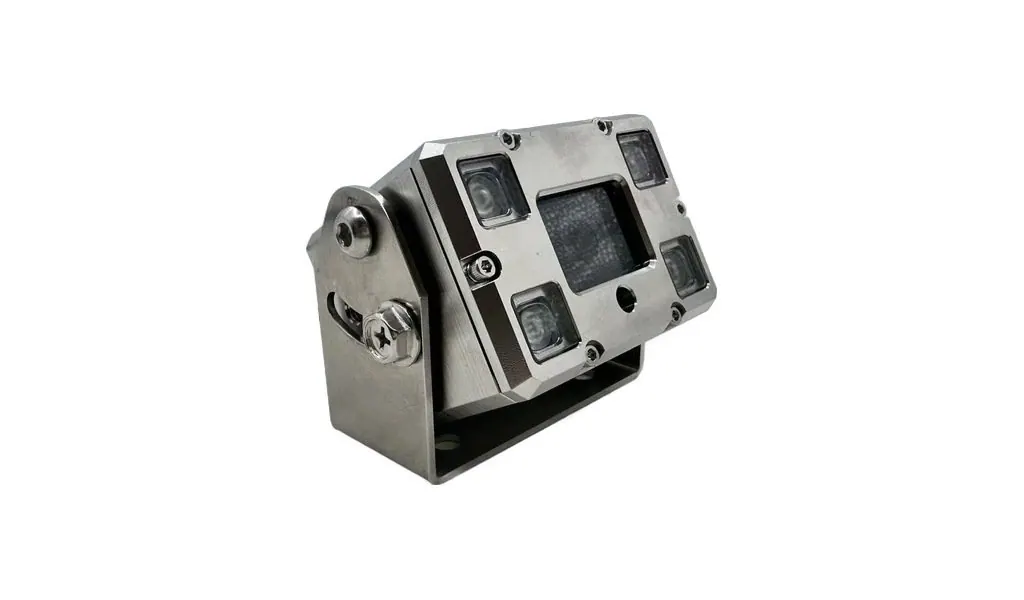
05 IP69K vs IP68 vs IP67: What Vehicle Camera Ratings Really Mean
What IP ratings actually test, why IP68 and IP69K are not comparable, why IP69K matters for pressure-washed fleets, and what the rating does not cover.
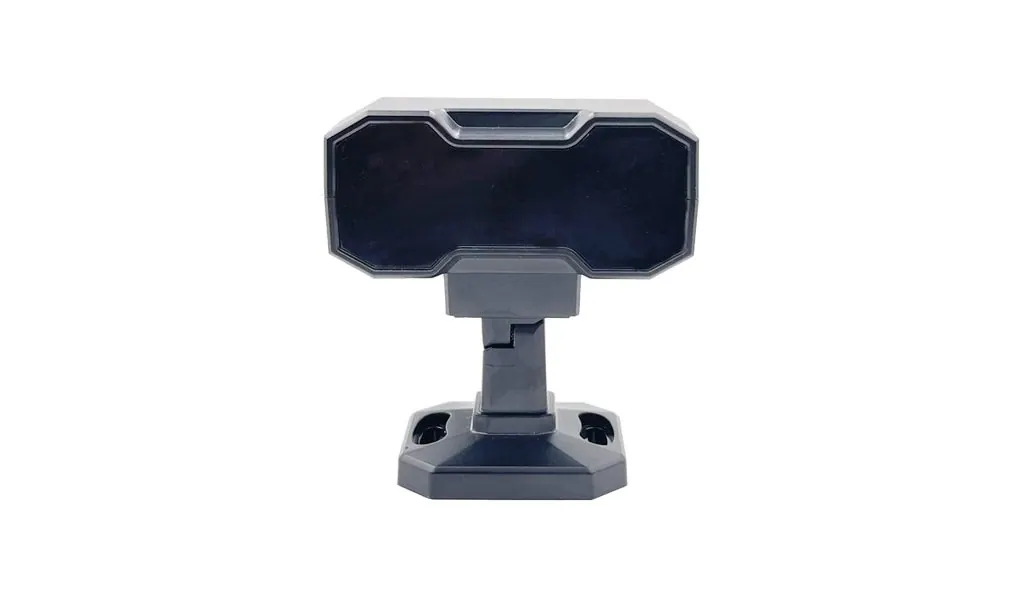
15 DMS and ADAS Explained: Fleet Safety Monitoring That Works
What driver monitoring (DMS) and advanced driver assistance (ADAS) actually detect, how they differ from BSD, and how to deploy them so the data gets used.
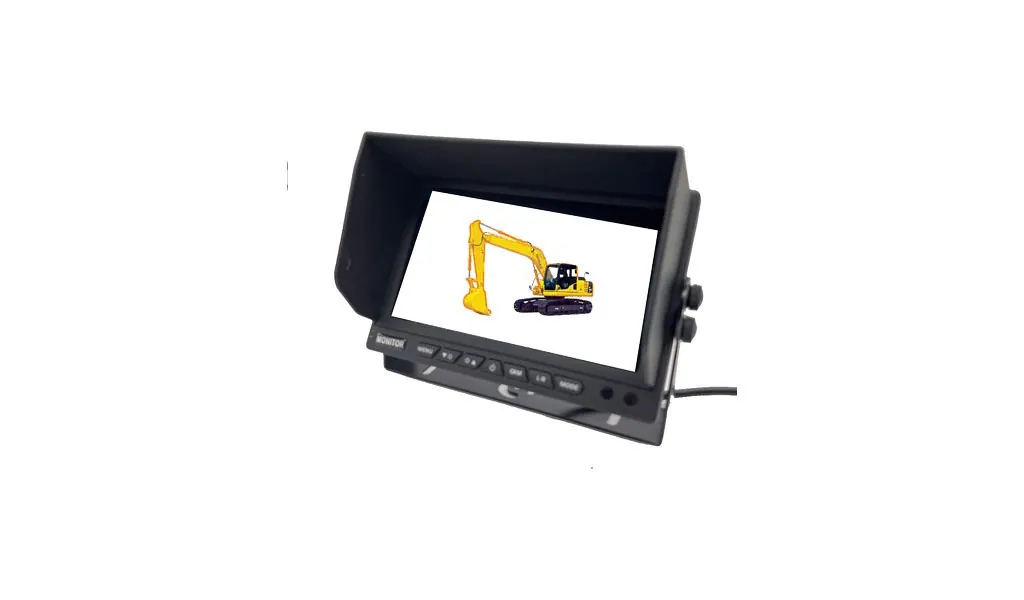
10 Camera Latency by Interface: Why a Reversing Camera Must Never Be an IP Camera
Typical latency for LVDS, AHD, USB and IP video, how far a truck travels while the image arrives, and which interface suits each duty.
Looking for a reliable camera system supplier?
Tell us your vehicle type and application — we will recommend the right system and quote within 24 hours. Distributors and OEM/ODM projects welcome.