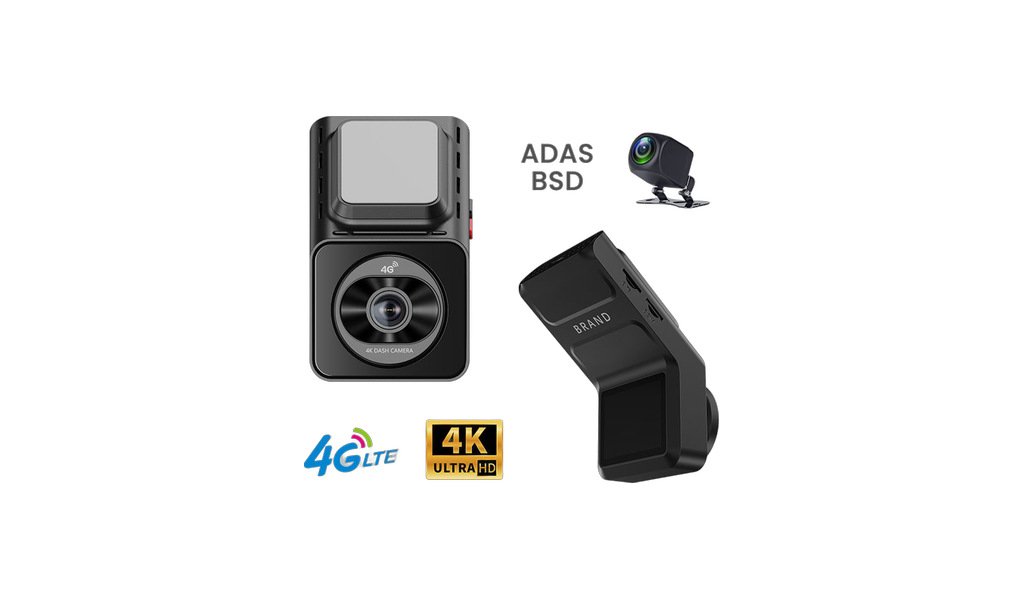
Main image and detail shots of the JFD-W22.
Recording · MDVR & JFD
JFD-W22
JFD-W22 (K26) 4G dual recording recorder (2.0-inch screen / front 4K + rear 1080P / CAT1)
Key features
- 0 inch screen dual-lens 4G dash cam, supplied with truck rear camera
- Front camera up to 4K (3840 x 2160) @25fps; rear camera 1920 x 1080@25fps
- Main chipset: SA230D Arm Cortex-A7 + RISC-V CPU
- 4G CAT1 module Quectel EC800K
- 4G bands: FDD-LTE B1/3/5/8, TDD-LTE B38/B39/B40/B41
- GPS + WiFi function, free Cloudspirit App
- ADAS function: lane departure warning, front vehicle collision warning, front vehicle move warning
- BSD blind spot detection support
- Protocol JT808 / JT1078; can work with the CMSV6 platform
- 4G live streaming, video capture, image capture, park monitor
- Two-way talkie (built-in MIC and speaker)
- Max TF card 512G with Class 10 or above; video format TS H.264
- Power input 9-16V
- Front view angle 150 degree, rear 130 degree
- Works with trucks, vans, buses and fleet vehicles
Ordering notes
Points to confirm before production so the unit arrives ready to fit.
- There is no independent specification book in this catalog. The above parameters are filled in based on the FirstCloud quotation. Please request the official specification book before placing an order
- 4G is CAT1; TF card maximum is 512G, Class 10 or above
- Confirm whether you need a truck pull-back camera and the length of the wire
- Confirm if CMSV6 platform/server version is required
- Confirm the voltage is 9-16V; 24V vehicles need to be equipped with a step-down voltage
- Confirm who provides the SIM card frequency band and data plan
- Confirm language, logo, packaging and boot screen.
- Confirm quantity, packaging and printing requirements in advance.
Installation & usage
Voltage, wiring, sealing and maintenance guidance for the installer.
- Fix the main unit securely and never reverse the power polarity.
- Parking monitoring requires a voltage-reducing line and low-voltage detection. Pay attention to the battery when parked for a long time
- Disconnect the power before inserting or removing the SIM or TF card.
- When the mobile phone is connected for the first time, first complete the binding in the App, and then connect to the recorder WiFi to view the video
- The GPS antenna must be placed in an unobstructed location, otherwise the positioning and trajectory will be inaccurate
- Check the recording time, image and loop overwrite periodically, and export important footage promptly.
- Route the wires away from high-temperature areas and strong interference sources, and run the camera harness and power cord separately
MDVR & Dashcams
Other models in this range

MDVR-504
MDVR-504 (MR9504E-B1 / 9504E) 4-channel 1080P car video recorder (dual SD card player)
4-channel 1080P mobile DVR with SD card storage (card machine), no hard disk
View details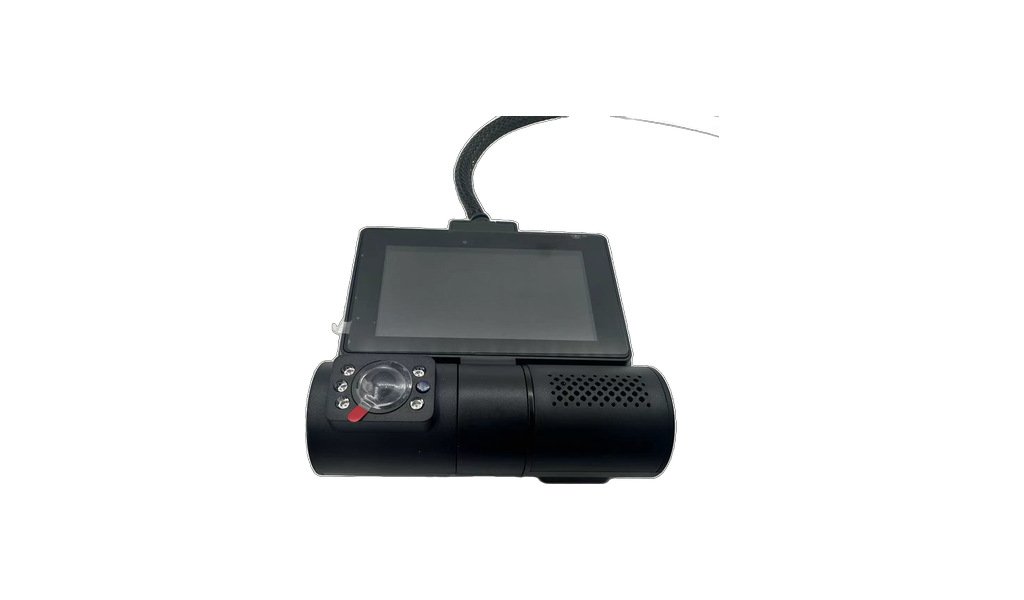
JFD-W17
JFD-W17 (G56) 4G dual-lens touch screen recorder (front 1080P + rear 1080P / 3-inch touch screen)
4G mini dual-lens dash cam with 3 inch touch screen (640 x 360)
View details
JFD-W18
JFD-W18 (P85) 4G dual lens recorder (2K + 1080P / 3-inch screen / Cloudspirit)
Dual-lens 4G dash cam: 2K + 1080P dual recording
View details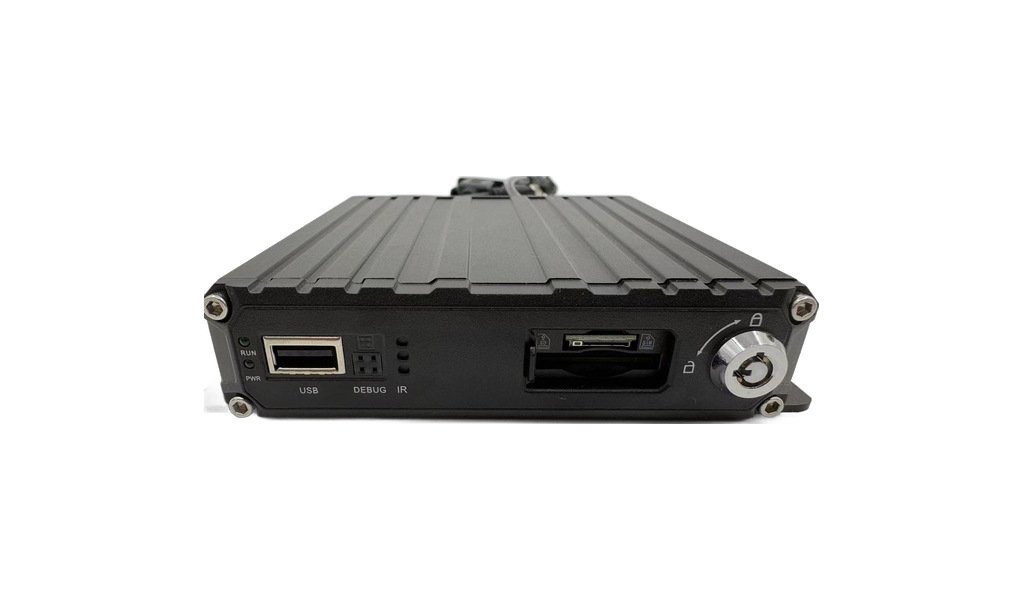
MDVR-504EC
MDVR-504EC (MR9504EC / 9504EC) 4-channel 1080P wide-voltage car video recorder (single SD card player)
4-channel 1080P SD mobile DVR with single SD card slot, no hard disk
View details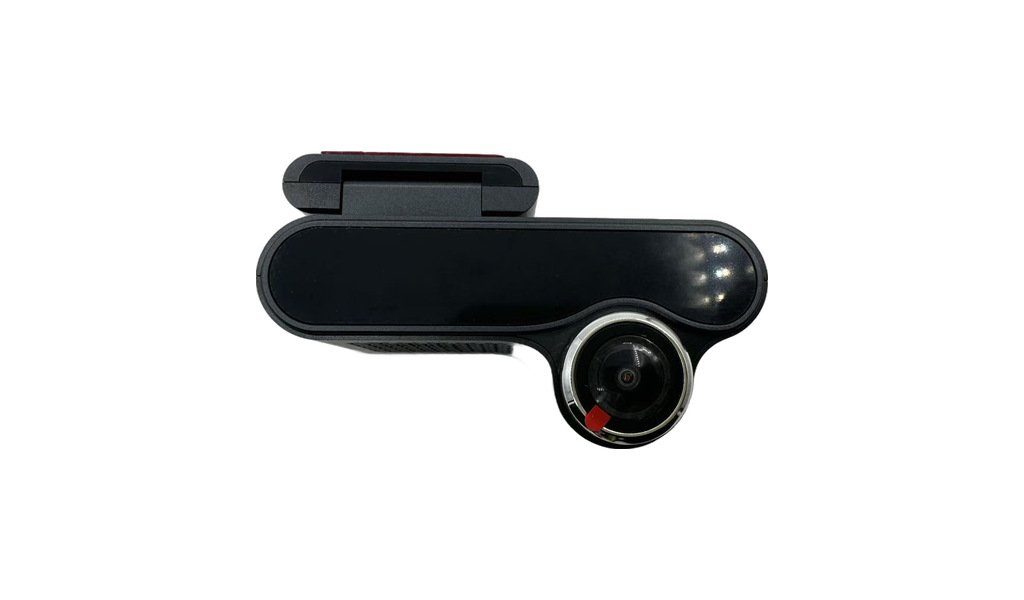
JFD-W20 4G
JFD-W20 4G radar cloud recorder (front and rear 24GHz millimeter wave radar + cloud platform / UboxPro)
2K + 1K dual-lens dash cam with 4G remote view, GPS + LBS base-station positioning
View details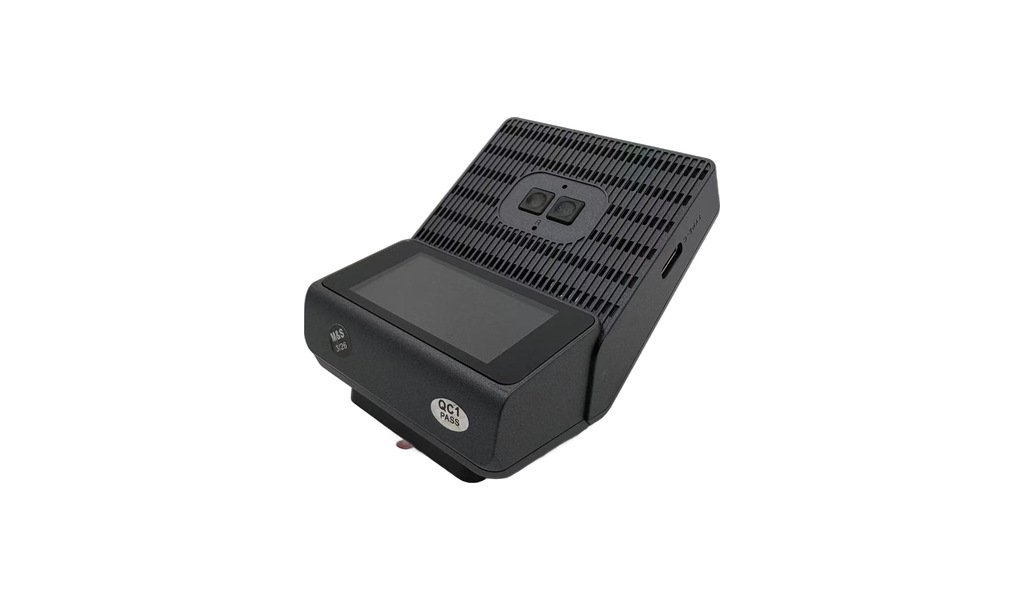
JFD-W21
JFD-W21 (P87) 4G dual lens 2K + 1080P mini recorder (2-inch screen / Cloudspirit)
4G dual-lens mini dash cam: 2K front + 1080P rear, with WiFi, GPS and remote monitor
View detailsNeed a quotation for the JFD-W22?
Send us the quantity, the vehicle or application, and the destination market. We will confirm the specification and quote within 24 hours.