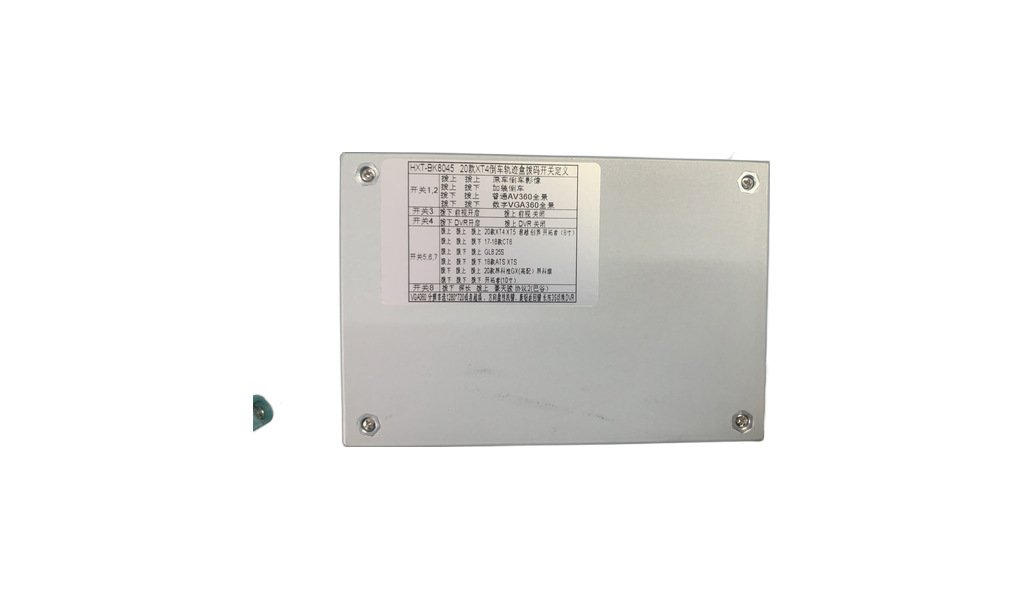
Main image and detail shots of the Cadillac XT4 Decoder.
Cadillac XT4 decoding module (factory screen plus camera)
Key features
- [Specialized for special cars] Before placing an order, you must confirm: model (Cadillac XT4) + year + factory screen (size/system CUE version). There is no specification sheet in this catalog. Please ask the factory for information on the corresponding version of XT4 before selecting
- Cadillac XT4 factory screen decoding module displays reversing image/360 panoramic view on the factory harness screen
- Retain the factory harness CUE system and all factory functions
- Keep the factory harness touch and steering wheel button operations
- Losslessly transfer the factory harness LVDS and power wiring harness without breaking the wires
- The installation video is included in the catalog, and construction can be carried out according to the video process
- On the same platform, there are also decoding solutions for Cadillac ATS-L/XTS/SRX/CTS, Buick Regal/LaCrosse/Envision, GMC SIERRA, Chevrolet, etc. (select according to model system)
Ordering notes
Points to confirm before production so the unit arrives ready to fit.
- Model + year + factory screen (size/system) must be confirmed by the customer. The system version of XT4 is different in different years
- There is no specification sheet in this catalog. Please confirm with the factory the XT4 corresponding version and cable before placing an order
- Confirm whether the factory harness screen has navigation and whether it is touch-sensitive
- Confirm the function to be accessed: reversing image / front view / 360 panorama / recorder switching
- Confirm whether a camera, extension cable and bracket are required.
- Confirm whether the customer's market has vehicle inspection requirements.
- Confirm quantity, packaging and printing requirements in advance.
Installation & usage
Voltage, wiring, sealing and maintenance guidance for the installer.
- Always work with the power off, and protect the factory interior trim.
- Disassemble and assemble the central control panel according to the order of the installation video/instruction, do not pry hard
- Connect the factory head unit's LVDS plug to the decoder's LVDS-OUT, and plug the adapter harness back into the head unit.
- Check the DIP switches and harness before applying power.
- After installation, test whether the factory harness CUE, reversing screen, radar, and steering wheel buttons are normal
- Keep the original parts so the vehicle can be restored and warranty work is straightforward.
Other models in this range
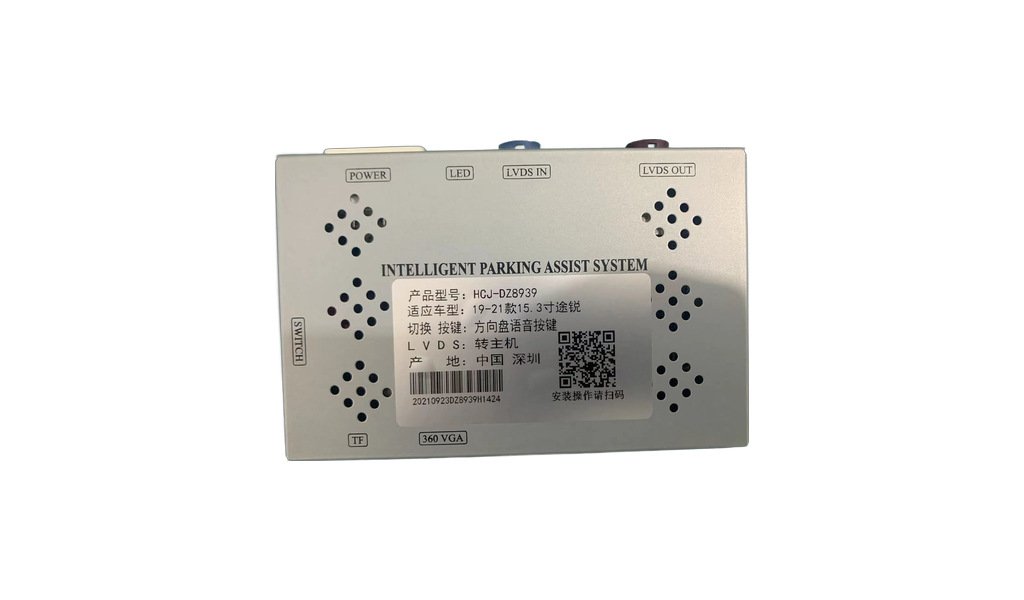
HCJ-DZ8939 Volkswagen Touareg 15.3-inch large screen (all-in-one decoder)
[Specialized for special cars] Before placing an order, you must confirm: model (Volkswagen Touareg) + year (20/21/22 models) + fact…
View details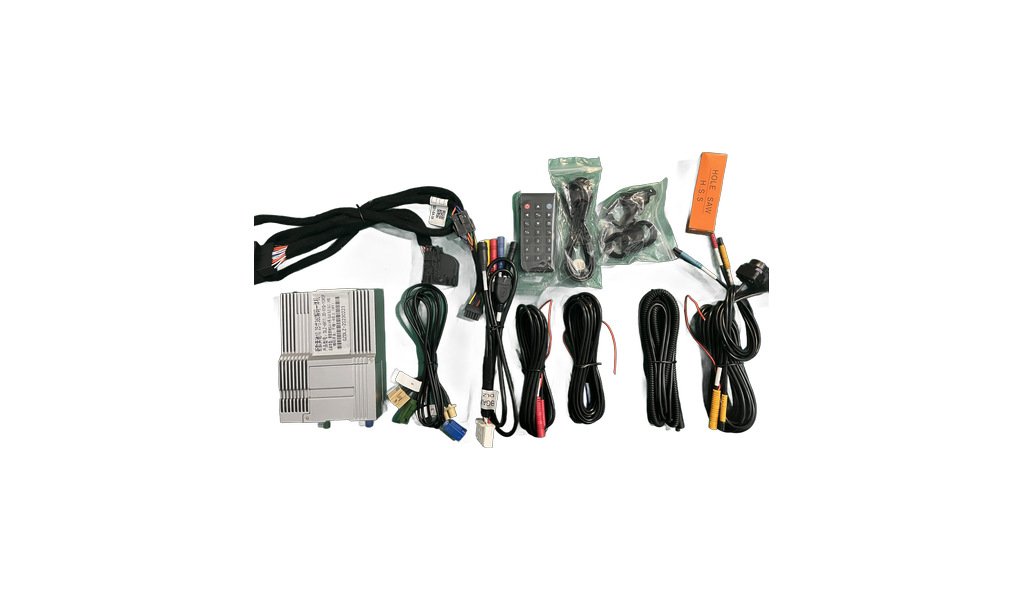
All-in-one decoder module (Luxury Carmaker 100PIN / OEM 360 Bird View System)
[Exclusively for special cars] After confirming the three items of car model + year + factory screen, pair the cable package and dia…
View details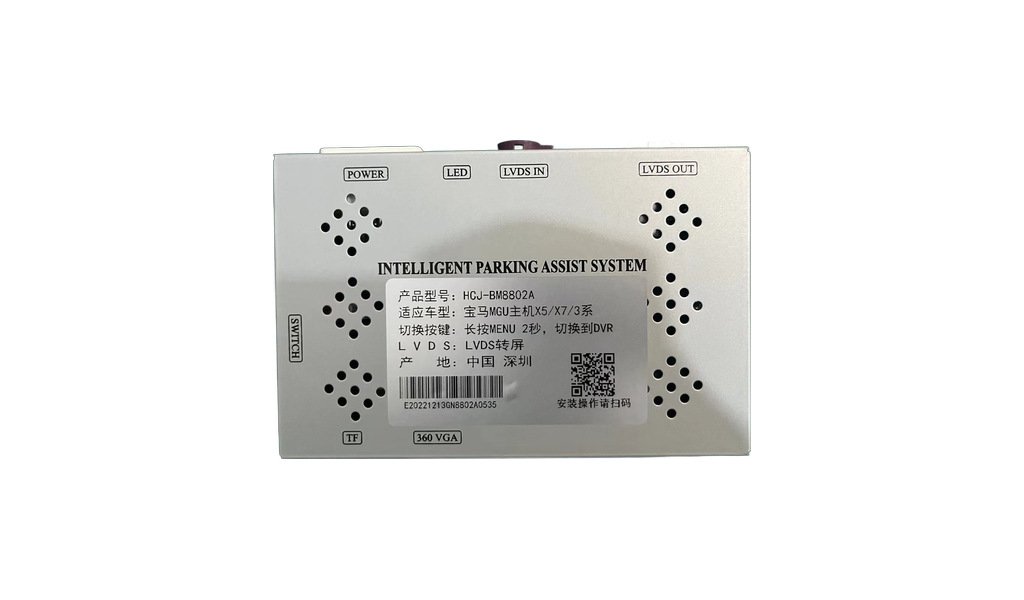
BMW MGU decoder (HCJ-8802 / factory screen with camera)
[Specialized for special vehicles] Before placing an order, you must confirm: model + year + whether the host system is MGU (ID7). B…
View details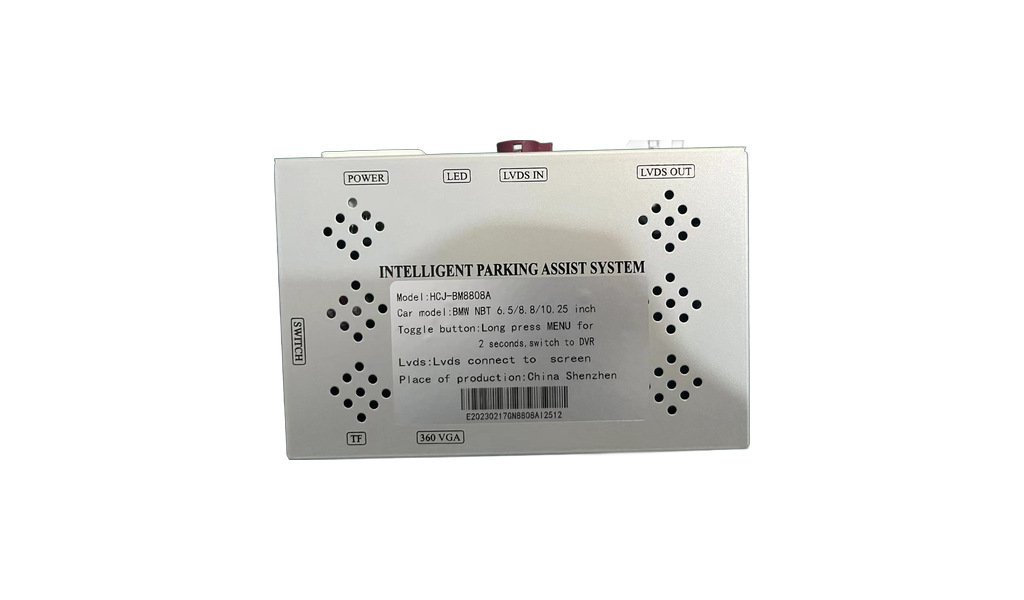
BMW NBT decoder (HCJ-8808 / factory screen with camera)
[Specialized for special vehicles] Before placing an order, you must confirm: model + year + whether the host system is NBT. BMW mai…
View details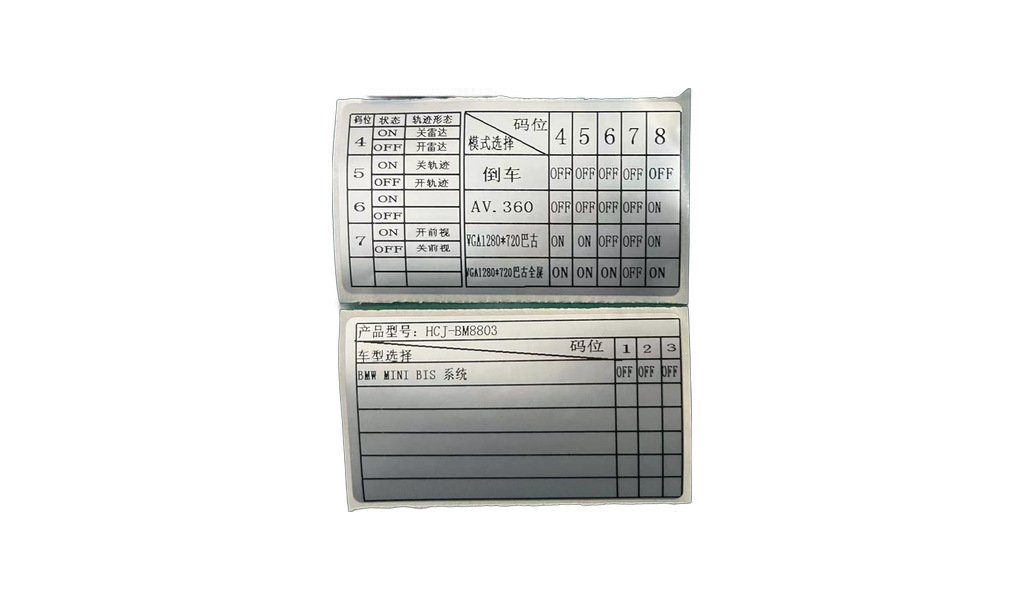
MINI BIS decoder (HCJ-8803 / factory screen with camera)
[Specialized for special vehicles] Before placing an order, you must confirm: MINI model + year + whether the host system is BIS. MI…
View details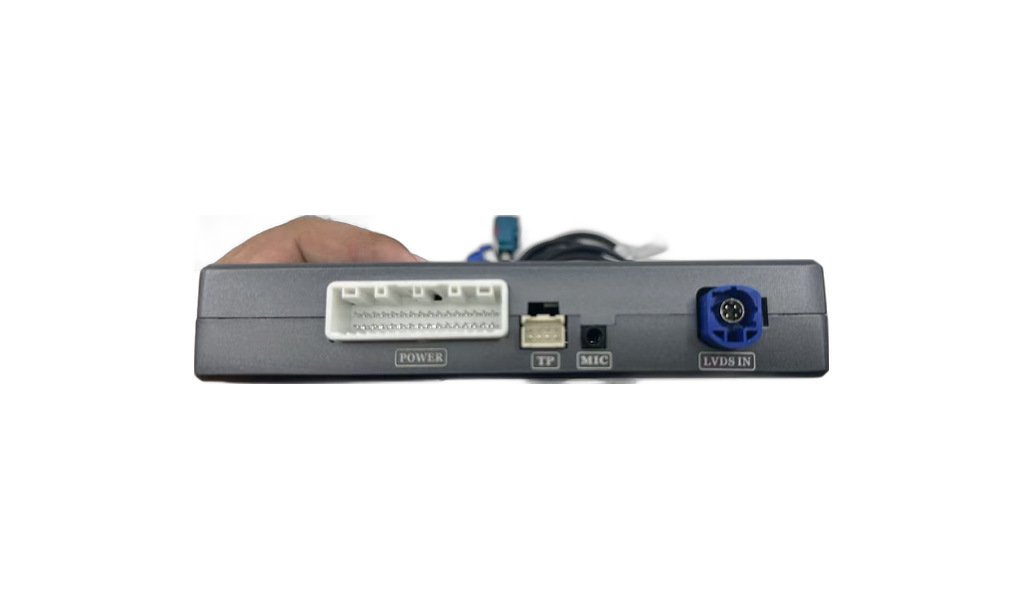
Mercedes-Benz S-Class factory screen CarPlay module (NTG3.0 / NTG3.5 / W221)
[Specialized for special cars] Before placing an order, you must confirm: model (Mercedes-Benz S-Class W221) + year + host system (N…
View detailsNeed a quotation for the Cadillac XT4 Decoder?
Send us the quantity, the vehicle or application, and the destination market. We will confirm the specification and quote within 24 hours.