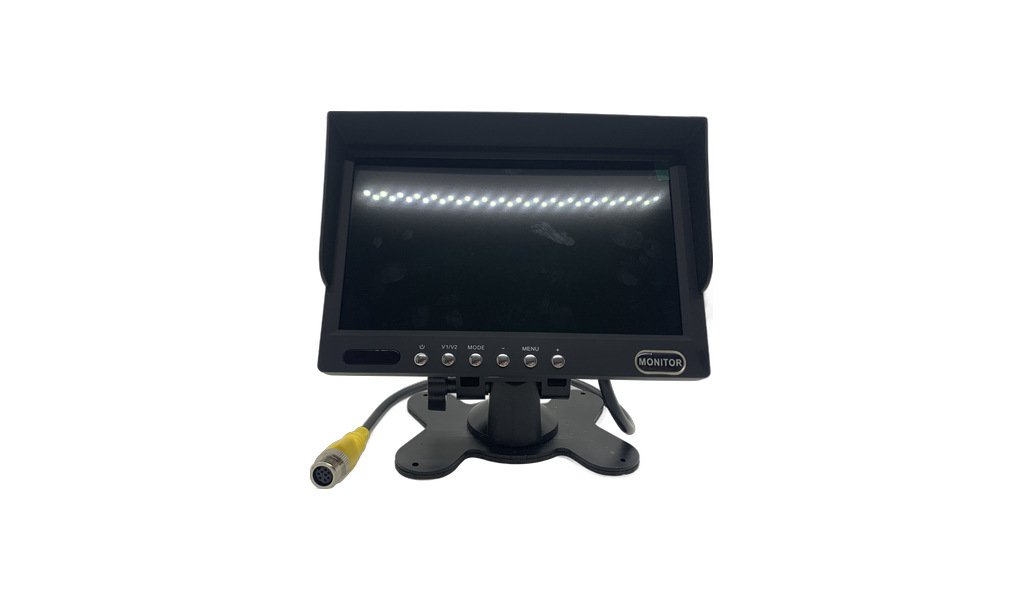
Main image and detail shots of the JPM-07D 7.
JPM-07D 7-inch vehicle monitor (SD-703 platform / 1024×R.G.B×600 / 2-channel video + 1-channel audio / with sunshade)
Key features
- 7-inch digital screen, 16:9 ratio, resolution 1024 × R.G.B × 600
- Two versions of the panel are available
- · EWV version: LED backlight, brightness 400 cd/㎡
- · IPS version: LED backlight, brightness 500 cd/㎡, side view is clearer
- Viewing angle range (IPS version): 180° up, down, left, and right, basically no blind spots, the driver and co-pilot will not look white when viewed from the side
- Appearance: black rubber paint, good feel, non-reflective
- 2 video inputs + 1 audio input: connect two cameras while retaining the sound channel
- With one-way trigger control: automatically switch to reverse screen when engaging reverse gear
- Format PAL / NTSC automatic conversion
- Supports AHD high-definition input; the same series can be equipped with a 170° AHD camera and shipped in complete sets
- Brightness, contrast, color, volume, language, and reverse delay can all be adjusted in the menu
- Multi-language menu, directly used by overseas customers
- Mirror image/positive image can be switched by car model (by version)
- Power requirements 9-32V DC: common for 12V and 24V models
- Power consumption: 5W, low power consumption, no battery loss when powered on for a long time
- Working temperature -20~+70°C, storage temperature -30~+80°C
- Appearance dimensions: 172 × 115 × 24 mm (including 47 mm sunshade)
- Comes with a removable sunshade, allowing you to see clearly even under strong light during the day
- Accessories: remote control, power cord, user manual
- Optional connectors: RCA / 4-pin aviation connector
- Fits: trucks, trailers, buses, special-purpose vehicles, RVs
- Optional number of channels: 1 channel / 2 channels / 4 channels
- 4-channel four-screen version: 4-channel video input + 1-channel audio input, trigger priority V2 > V1 > V3 > V4, full screen / 2 images / 4 images adjustable, built-in speaker, 7-inch LED screen (250cd/㎡, 800×R.G.B×480), input 12-36V / output 12V, power consumption 7W
Ordering notes
Points to confirm before production so the unit arrives ready to fit.
- Confirm panel version: EWV (400 cd/㎡) or IPS (500 cd/㎡)
- Confirm the number of channels: 1 channel / 2 channels / 4 channels (4 channels are four-screen version)
- Confirm the voltage (9-32V DC) and power supply method (ACC / normal power)
- Confirm signal input (AHD or CVBS) and format (PAL / NTSC auto-switching).
- Confirm connector type (RCA or 4-pin aviation), cable length and whether an extension is required.
- Confirm how the unit connects to the MDVR. If it only ever works with an MDVR, a single male or female connector is cheaper. If it is sometimes used with a camera and sometimes with an MDVR, we supply a 30 cm female-to-female aviation lead.
- Confirm whether you need a complete set (comes with 170° AHD camera)
- Confirm quantity, packaging (colour box or neutral box) and printing requirements in advance.
Installation & usage
Voltage, wiring, sealing and maintenance guidance for the installer.
- Before wiring, confirm the voltage and never reverse the polarity. Connect ACC to the ignition switch so the battery is not drained.
- Mount the monitor where it does not block the driver's view, and fix the bracket securely so vibration cannot loosen it.
- The trigger line must receive the reversing light signal; after installation, test whether the reverse gear can be automatically switched
- Secure the cable clear of hot surfaces and sharp edges, and tighten the connector.
- Clean the screen and sunshade with a soft cloth — never alcohol or anything abrasive.
- After adjusting the menu, it is recommended to record a copy of the parameters (brightness, format, reverse delay, etc.) to facilitate after-sales reproduction
Other models in this range
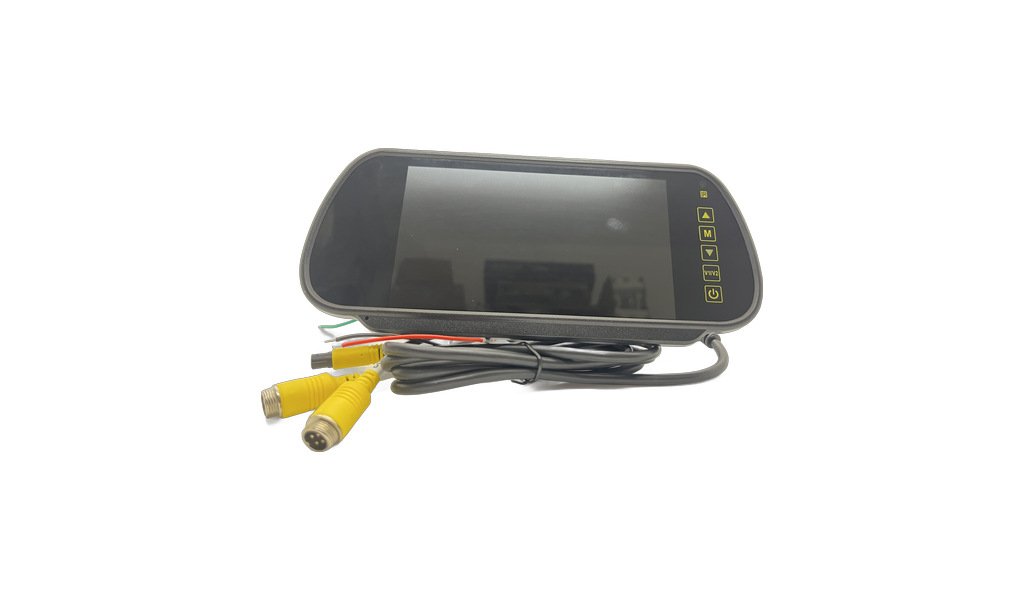
JPM-07B 7-inch rearview mirror car display (1024×R.G.B×600 / AHD+CVBS / wide voltage 12-36V)
Working voltage DC 12-36V: 12V / 24V models can be connected directly without a step-down module
View details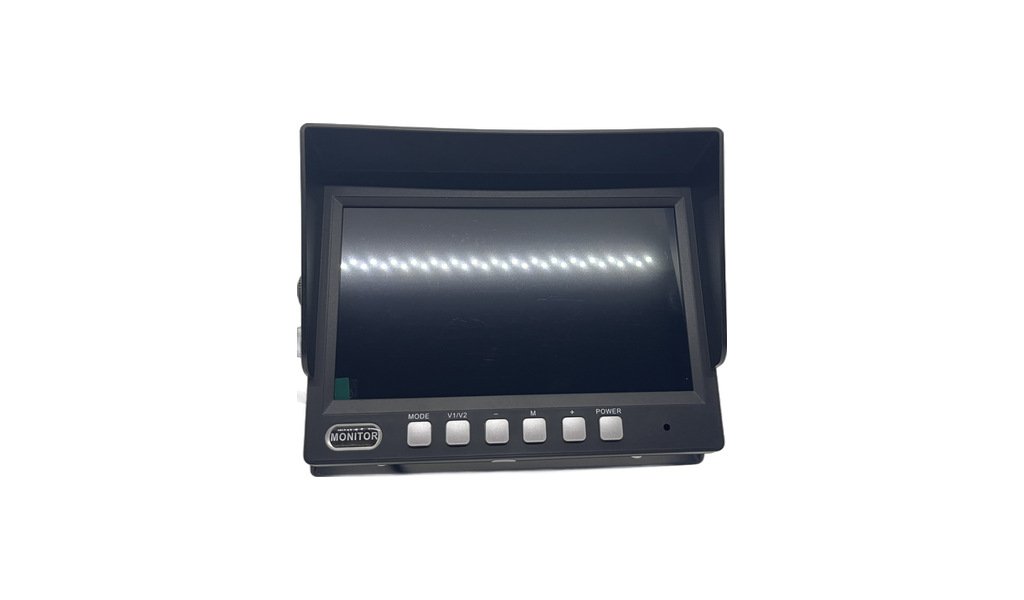
JPM-07C 7-inch vehicle monitor (two-channel AHD input / single screen display / 1024×R.G.B×600 / reverse automatic
7-inch screen, resolution 1024 × R.G.B × 600, delicate picture
View details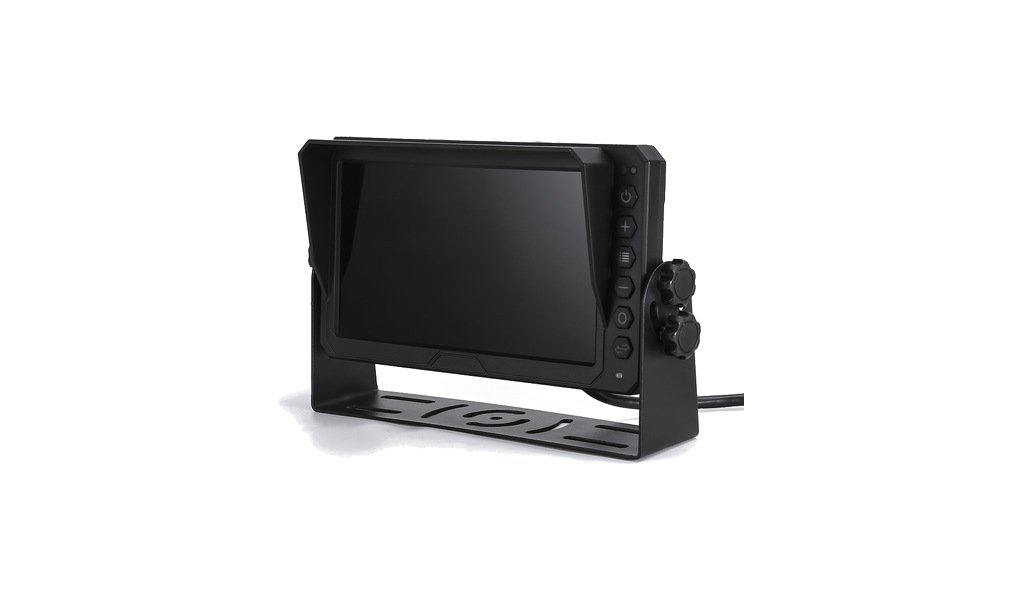
JPM-07E 7-inch AB pillar electronic rearview mirror (private model/IPS 1024×600/HD split video/DC12-32V)
7-inch IPS high-definition high-brightness digital screen, 1024(H)×600(V), brightness 600, brushed panel
View details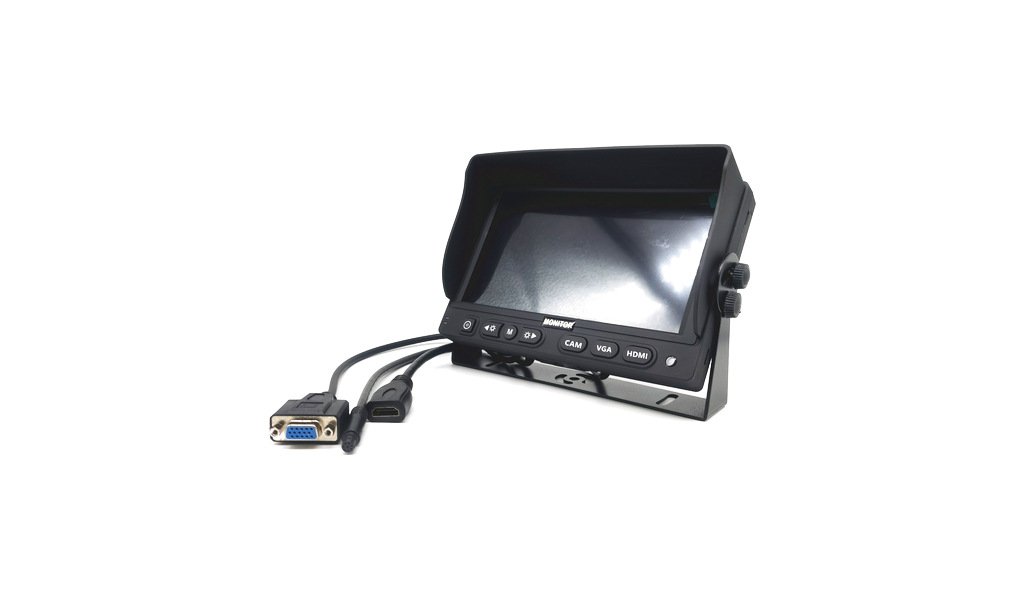
JPM-07V 7-inch VGA / HDMI multi-interface car display (1024×600 IPS / with MDVR, VGA is the clearest)
Most in-vehicle MDVR/hard disk video recorders have VGA output. This model can be directly connected to the VGA port of the MDVR
View details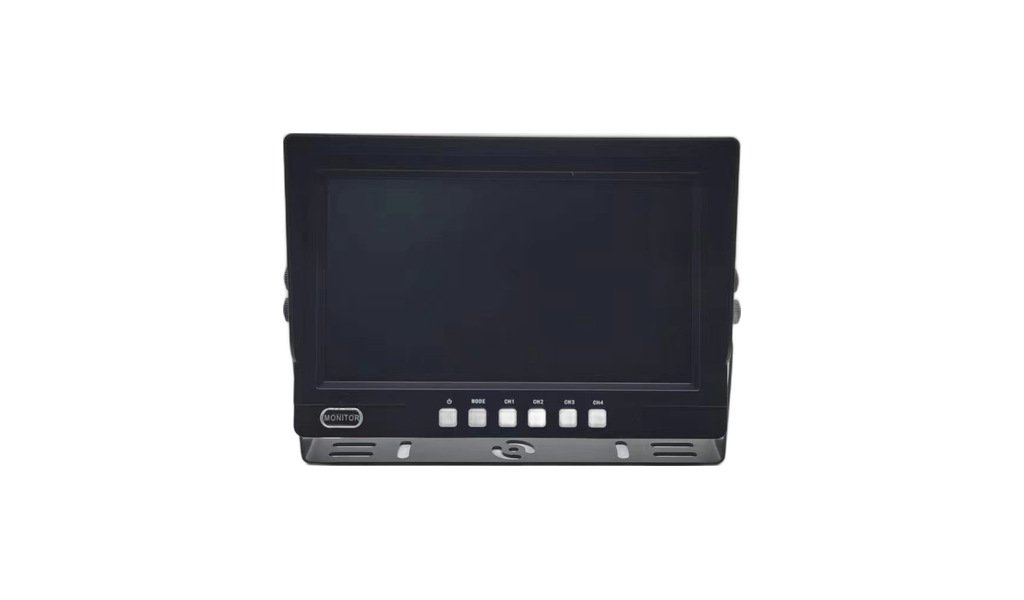
JPM-09C 9-inch car monitor (two-channel AHD input / single screen display / 1024×R.G.B×600 / reverse automatic cut V2)
9-inch screen, resolution 1024 × R.G.B × 600, delicate picture
View details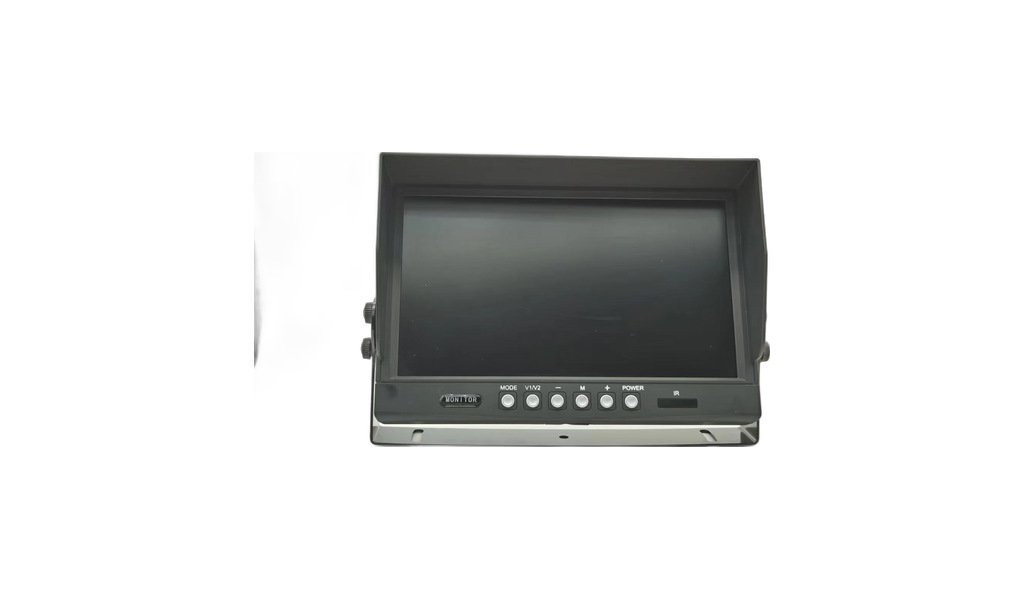
JPM-09D 9-inch car monitor (903 platform / 1024×R.G.B×600 / 2-way AHD input / reverse automatic switching V2)
Resolution 1024 × R.G.B × 600, the picture is clear and delicate
View detailsNeed a quotation for the JPM-07D 7?
Send us the quantity, the vehicle or application, and the destination market. We will confirm the specification and quote within 24 hours.